1
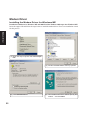
VGA Driver
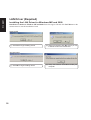
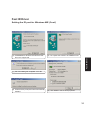
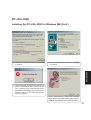
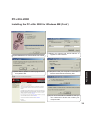
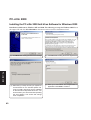
Installing the VGA Driver for Windows ME (Cont’)
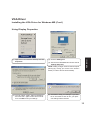
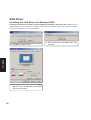
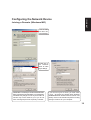
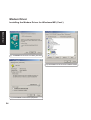
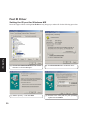
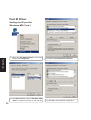
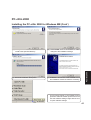
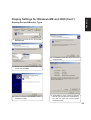
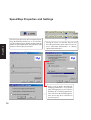
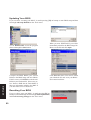
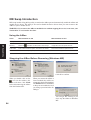
Using Display Properties
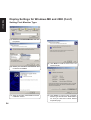
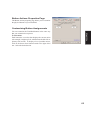
(2) Click the Settings tab
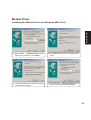
VGA Driver
(1) Right-click on the Windows desktop and click
Properties.
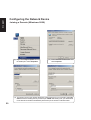
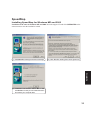
(3) Set Colors to True Color and Screen area to
1024 by 768 pixels.
NOTE: Setting to larger screen areas will require
panning (by moving your cursor to the screen’s
border) in order to see the entire desktop.
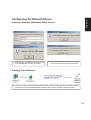
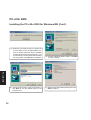
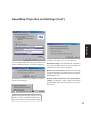
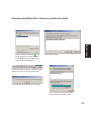
(4) You can select “Apply...without restarting?”
and “Don’t ask...again” to save time in the future. Click OK to test your settings.
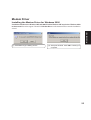
(5) Click Yes to keep your settings. If you click
No or are unable to click to Yes, your previous settings will be restored.
13