1
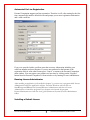
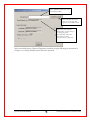
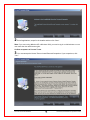
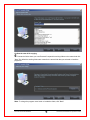
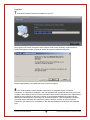
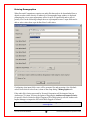
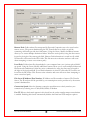
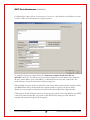
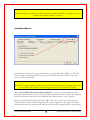
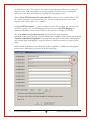
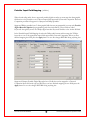
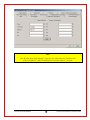
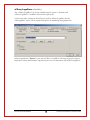
Using the Upload DPM Options dialog you are able to add or modify any of the five keyword fields
available in the connected DPM unit. The Usage row provides a name for the keyword field. Each
keyword can have up to 10 values defined for it. Once configured these values are selectable from the
DPM unit by the user of the unit.
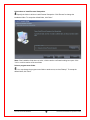
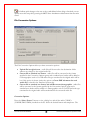
Press the “Upload” button to program the DPM unit with the new or updated information. Selecting
“Lock Settings on Device” before pressing Upload allows you to lock the changes you have made
preventing them from being changed by the user of the unit.
Document #3.00.000.20090709
48
© 2002-2007,2009 Dataworxs Systems Limited