1
68
ALDELO
®
F O R R E S TA U R A N TS TR A I N I N G MA N U A L
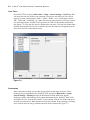
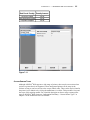
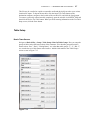
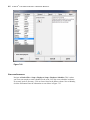
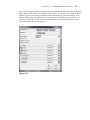
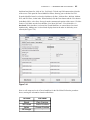
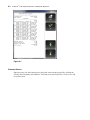
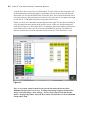
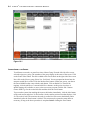
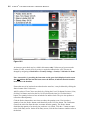
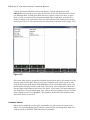
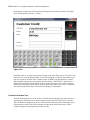
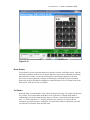
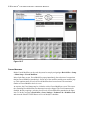
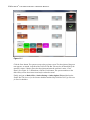
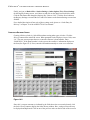
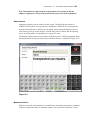
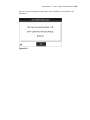
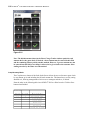
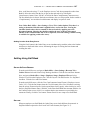
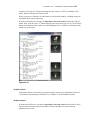
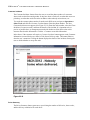
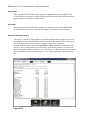
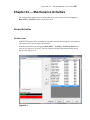
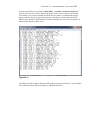
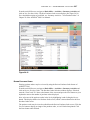
Figure 7-44
INVENTORY ITEMS
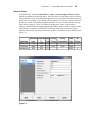
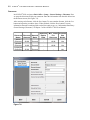
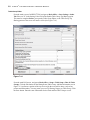
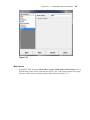
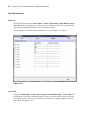
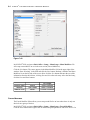
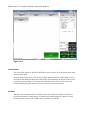
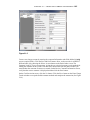
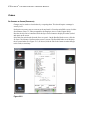
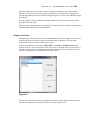
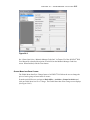
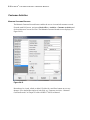
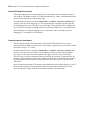
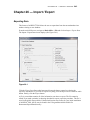
Navigate to Back Office > Setup > Inventory Setup > Inventory Items. On this screen, we
enter and maintain the list of inventory items used by our Checkers Restaurant. For detailed
descriptions of the field entries on this screen, please see “Inventory Setup – Inventory Items”
in Chapter 5 of the ALDELO® POS User Manual.
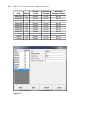
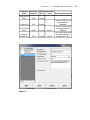
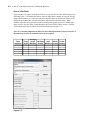
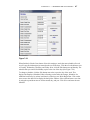
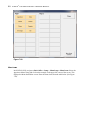
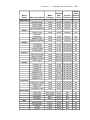
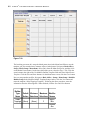
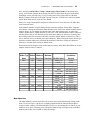
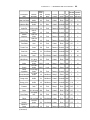
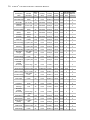
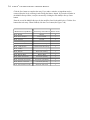
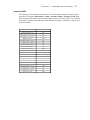
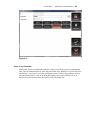
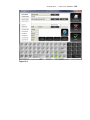
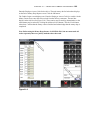
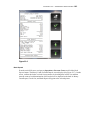
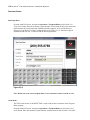
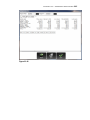
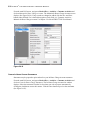
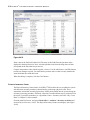
Click the New button. The cursor displays in the Inventory Item Name field. Enter the
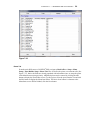
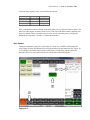
information as seen in the tables below. Enter only information on the Inventory Items screen
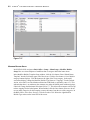
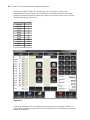
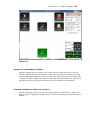
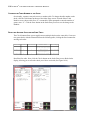
for the fields whose descriptions appear in bold type (See Figure 7-45). After each entry, click
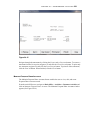
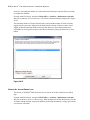
the Save button and the New button. Upon entering the final inventory item, click Save and
Done.