1
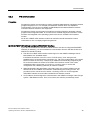
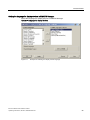
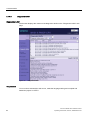
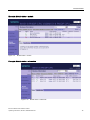
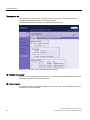
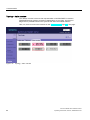
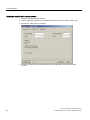
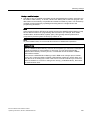
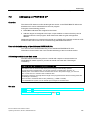
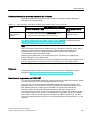
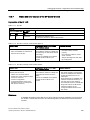
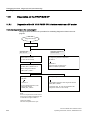
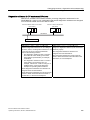
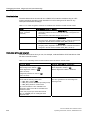
Communication 3.7 Web server 3.7.4.4 Module state Requirements ● You have carried out the following settings in HW Config: – Web server activated – Language settings carried out – "Report system error" generated and activated ● You have compiled the project using STEP 7 HW Config, loaded the SDB container and the user program (in particular the user program blocks generated by "Report system error") ● The IM is in RUN mode. Note "Report system error" Duration of the display: Depending on the plant extension level, the "Report system error" display requires some time to create the initial evaluation of the state of all the configured I/O modules and I/O systems. During this time there is no concrete display of the status on the "Module status" web page. A "?" is displayed in the "Status" column. Dynamic response: "Report system error" has to be called up cyclically at least every 100 ms. Calling up can take place in OB 1, or if the cycle time amounts to more than 100 ms, in the watchdog interrupt OB 3x (≤ 100 ms) and in the restart OB 100. Diagnostics support: In the "Report system error" dialog box, the "Diagnostic status DB" tab must be selected in the "Diagnostics support" tab and a DB number entered. This check box is normally selected as default with configured Web servers. During the migration of old project, it may however be necessary to select this check box. 66 IM 151-8 PN/DP CPU interface module Operating Instructions, 06/2010, A5E02049034-02