1
47
Layout Editor Clinic - July 2008
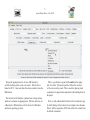
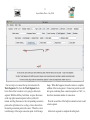
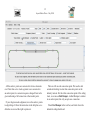
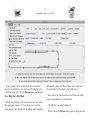
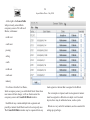
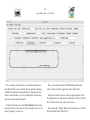
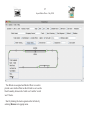
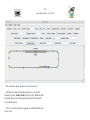
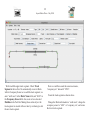
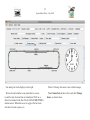
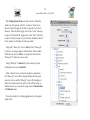
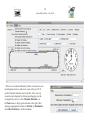
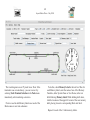
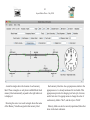
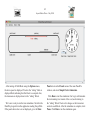
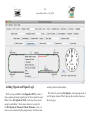
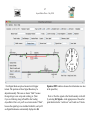
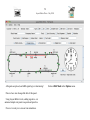
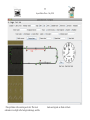
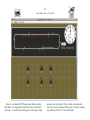
Four Signal Heads are placed around our left upper
turnout. The positions of these Signal Heads may be
adjusted manually. The icons are shown “Dark” because
the signal logic is not set up and working yet. (Note:
if you are following along in PanelPro after loading
LayoutEditorClinic.xml, you’ll see colors instead of “Dark”,
because the signal logic was included in that file, and you’ll
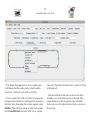
see Signal Head names automatically displayed in Set
Signals at XXX windows because that information was also
in the panel file.)
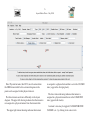
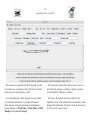
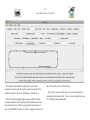
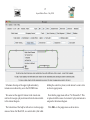
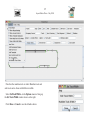
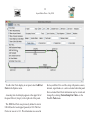
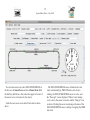
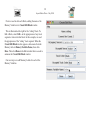
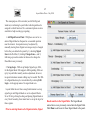
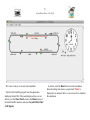
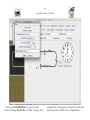
Next we’ll set the signals at the block boundary on the left
by selecting Set Signals... in the popup menu of the anchor
point that divides the “north west” and “south west” blocks.