1
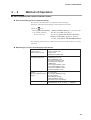
Chapter 3. SETUP
Handling Precautions
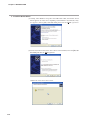
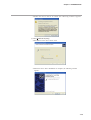
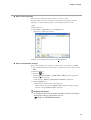
• ÅE Normally, use the port that was selected after you clicked the
[USB loader cable is automatically selected] button.
Even if another communications port can be selected, it sometimes
cannot be used depending on its characteristics.
• Normally, select "Use Loader Cable."
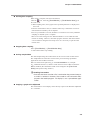
● Step 4. Set up the SDC45/46 parameters
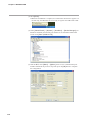
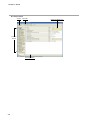
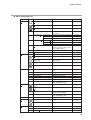
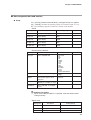
Set each of the parameters required for running the SDC.
Move the cursor to the target channel for each setup item, and do the following:
• When the setting is a numerical value
Enter the numerical value, and press the [Return] key.
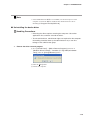
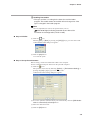
• When the setting is selected by a number
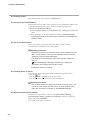
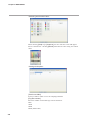
Press the right mouse button (right-click) on a setup item. The list of settings
you can select will appear. Select a desired item to complete the setting.
Handling Precautions
• "– – – –” is displayed within the cell if setup of a parameter is not
required or is prohibited by previous settings. The parameter cannot
be set. If neccessary, re-check the type setting or other related
settings.
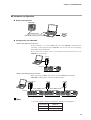
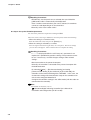
• About connection to the personal computer
Normally, the controller is connected to the personal computer with
the dedicated cable.
By selecting [Option] → [Environment Setting] and setting
[Communication Setup] to [Use CMC10L] or [Use CMC10B], the
controller can be connected through the CMC10B/L. In this case, the
environment setting and communication setup on the controller main
unit must be configured beforehand.
Configure the controller settings in the offline mode (with the cable not
connected to the controller).
Note
• For details on functions, refer to:
SDC45/46 Digital Indicating Controller User's Manual for
Installation and Configuration (CP-SP-1218E).
3-6