1
Alpha Acquisition and Analysis
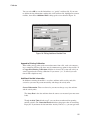
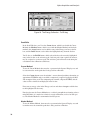
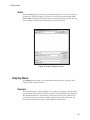
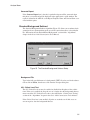
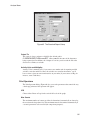
When you’ve finished, select OK to save this as a “full” (.CTF) certificate file and return to the Calibrate by Nuclide List screen. You’ll see that all nuclides which have
Additional Nuclide Information added are marked by a double asterisk (**).
If you are satisfied that all data in the Calibrate by Nuclide List screen is correct, you
can select this screen’s OK to load the file into the energy line editor.
Editing the List
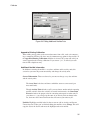
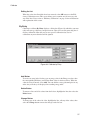
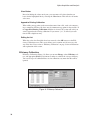
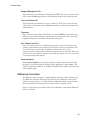
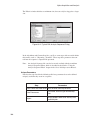
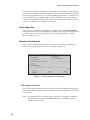
When you select OK, you’ll see the “Efficiency Calibration” screen, which allows you
to examine and, if necessary, edit the data in any of the lines. Please refer to “Efficiency Calibration” on page 38 for an illustration and explanation of this screen.
By Calibration File
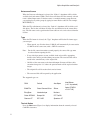
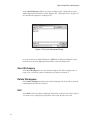
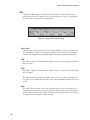
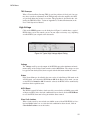
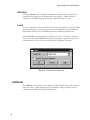
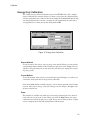
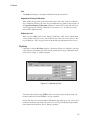
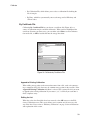
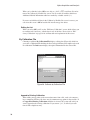
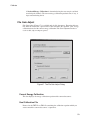
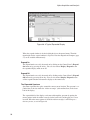
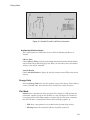
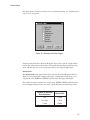
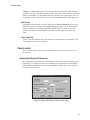
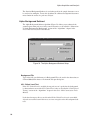
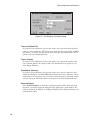
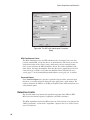
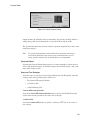
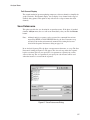
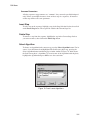
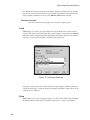
Choosing to calibrate By Calibration File displays a dialog box (Figure 29) which lets
you select a Calibration File defining the list of energy/efficiency/error triplets to be used
for calibration. The Info button displays descriptive information for the selected file.
Figure 29 Calibrate by Calibration File
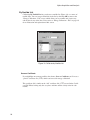
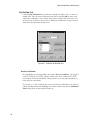
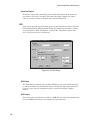
Append to Existing Calibration
When adding energy points to the current datasource from a file, such as in constructing a composite efficiency file, there may be common energy points in the two files. If
the Append to Existing Calibration checkbox is selected, the system will ask if you
want to append to the existing calibration. If you answer “yes”, it will tell you each
time it finds a duplicate entry.
36