1
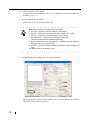
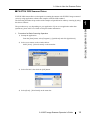
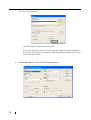
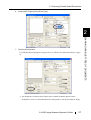
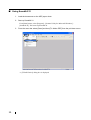
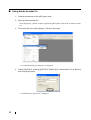
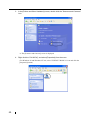
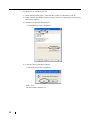
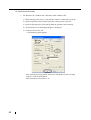
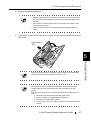
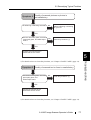
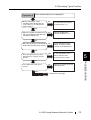
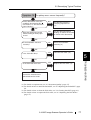
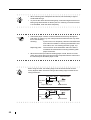
3. In the [Printer and Other Hardware] screen, double click the "Scanners and Cameras"
icon.
⇒ The [Scanners and Cameras] screen is displayed.
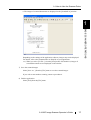
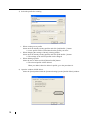
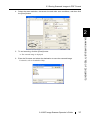
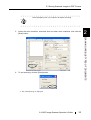
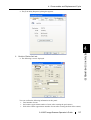
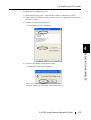
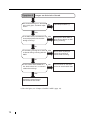
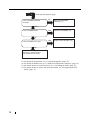
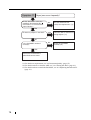
4. Right click the "fi-4120Cdj", and select [Properties] from the menu.
(For Windows 95 and Windows NT 4.0, select "FUJITSU TWAIN 32" icon and click the
[Properties] button.)
50