1
Izenda Reports
User’s Guide
9.2 Drill-Downs
Drill-down Video KB
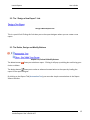
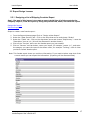
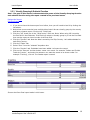
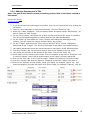
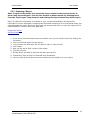
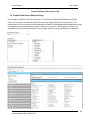
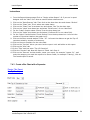
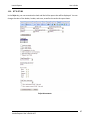
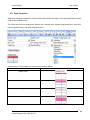
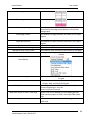
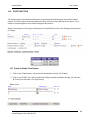
To create a drill-down report, you can start by designing the main report, but in order to be able to
select a drill-down report, that sub-report must first have a drill-down key to show up in the selection
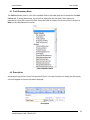
list. Once the sub-report is available in the selection list for your Sub-Report or Target Report, meaning
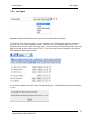
it has been defined what Drill-down key will link the two reports, you can select you drill-down type.
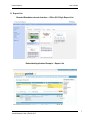
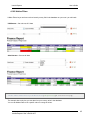
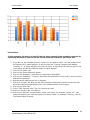
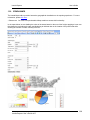
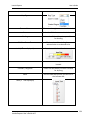
Example
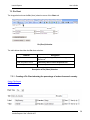
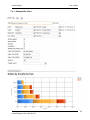
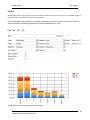
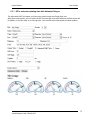
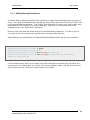
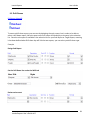
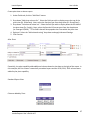
Design Sub-Report
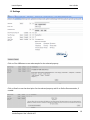
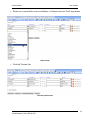
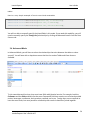
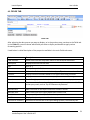
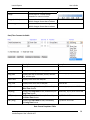
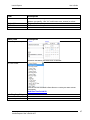
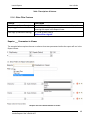
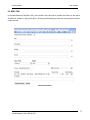
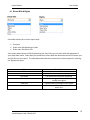
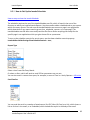
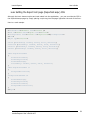
Set the Drill-Down Key under the MISC tab
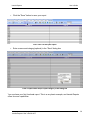
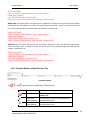
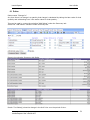
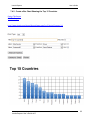
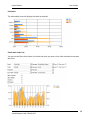
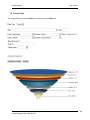
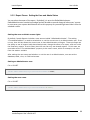
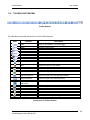
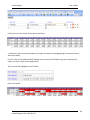
Design main report
Izenda Reports User’s Guide v6.5
81