1
Technical Manual
27
4.3.7 Test Vend
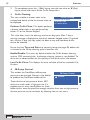
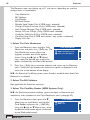
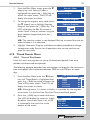
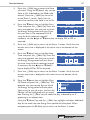
This menu allows the engineer to make a test vend in order to verify that the
dispensed vend is acceptable.
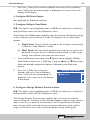
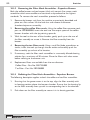
1.
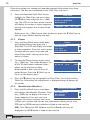
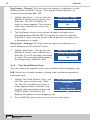
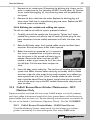
Highlight Test Vend in the main Test menu
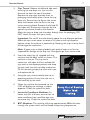
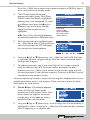
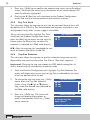
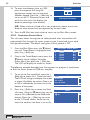
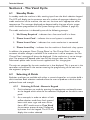
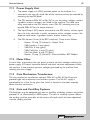
and press the ↵ (Edit) key. The LCD will
display the screen as shown opposite.
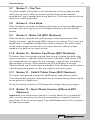
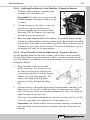
2.
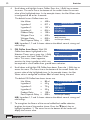
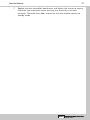
Make a selection using the drink selection
keypad and press the START/? button. The
machine will drop a cup before dispensing
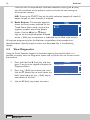
the selection. If the SureVend system is turned on the sensors must be
activated within 3 seconds of the cup being dispensed. (see page 35)
3.
Press the X (Exit) key to return to the main test menu screen.
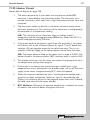
4.3.8 Grinder Test (B2C Machines)
This sub menu allows the engineer to test for correct operation of the bean
grinder fitted to B2C machines.
N.B. Remove CoEx® brewer from the machine and place a suitable container
under the grinder outlet to catch any coffee grounds before starting the test
sequence.
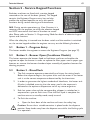
1.
2.
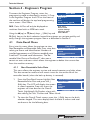
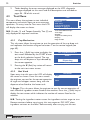
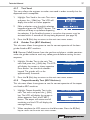
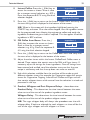
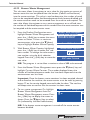
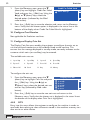
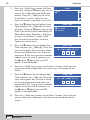
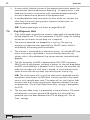
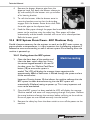
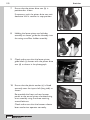
Highlight Grinder Test in the main Test
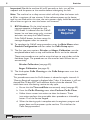
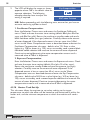
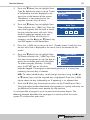
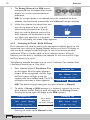
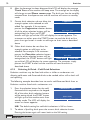
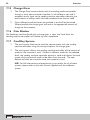
menu and press the ↵ (Edit) key. The LCD
will display the screen as shown opposite.
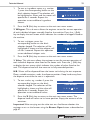
Press button 1 on the drink selection
keypad. The grinder will run for
approximately 4 seconds.
Grinder Test
Grinder Number
1
Press Any Number
Press the X (Exit) key to return to the main test menu screen.
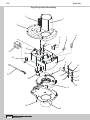
4.3.9 Teapot Assembly Test (B2C Machines)
This sub menu allows the engineer to test for correct operation of the teapot
unit fitted to B2C machines.
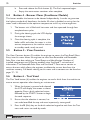
1.
2.
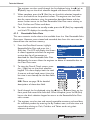
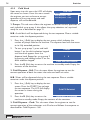
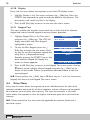
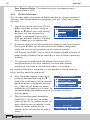
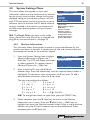
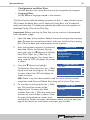
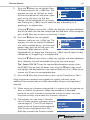
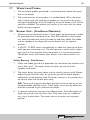
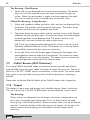
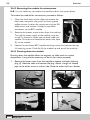
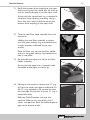
Highlight Teapot Assembly Test in the
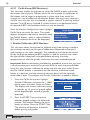
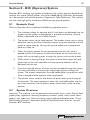
main Test menu and press the ↵ (Edit)
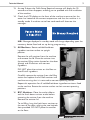
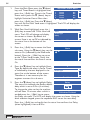
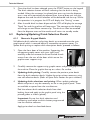
key. The LCD will display the screen as
shown opposite. Press the START/?
button. The teapot will rotate one full
revolution and the LCD will display the
message Moving.
Test Teapot assembly
Idle
Press S TART (?) to Begin
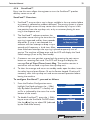
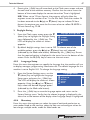
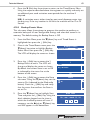
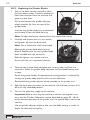
When complete the LCD reverts to the Idle screen. Press the X (Exit)
key to return to the main test menu screen.