1
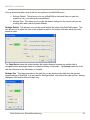
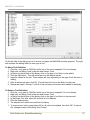
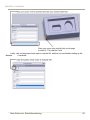
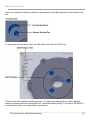
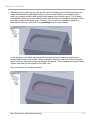
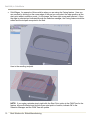
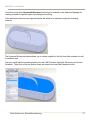
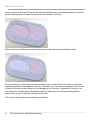
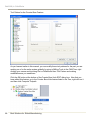
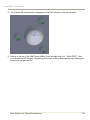
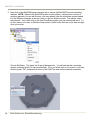
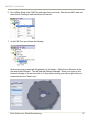
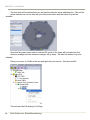
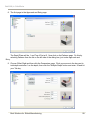
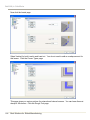
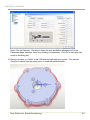
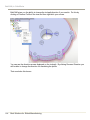
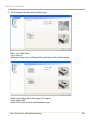
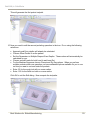
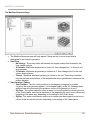
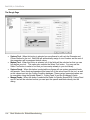
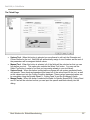
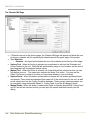
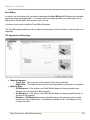
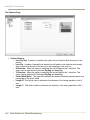
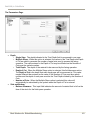
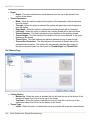
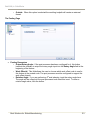
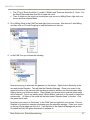
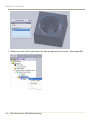
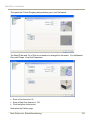
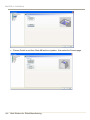
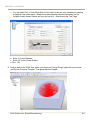
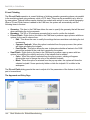
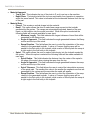
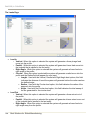
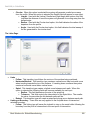
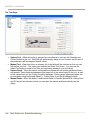
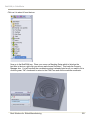
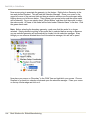
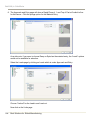
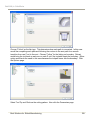
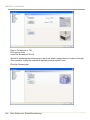
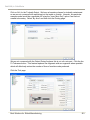
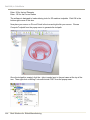
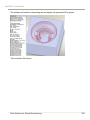
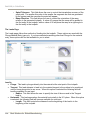
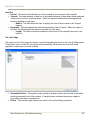
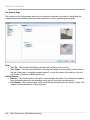
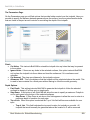
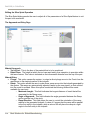
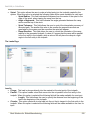
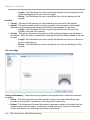
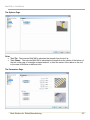
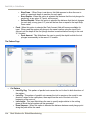
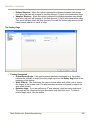
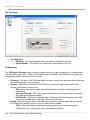
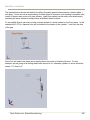
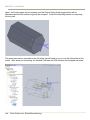
BobCAM for SolidWorks This will generate the first pocket toolpath. 10. Now you need to edit the second pocketing operation in the tree. Do so using the following selections: Approach and Entry depths will already be calculated Choose Offset Pocket In as the pattern Set the Parameters to Multiple Steps at Even Depths. These values will automatically be calculated for you. Choose vertical Leads for both Lead In and Lead Out For the Machine Sequence choose Closest and Zig Zag options. When you perform multiple pockets within one operation you have advanced options available for you to use on how you want to sort and order the pockets. Enter .25 for the rough tool with no corner radius. Enter .125 for the finish tool with no corner radius. Click OK to exit the Edit dialog. Now compute the toolpaths. Real Solutions for Global Manufacturing 113