1
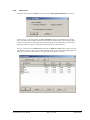
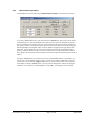
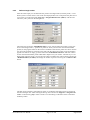
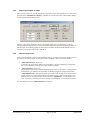
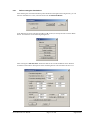
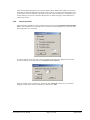
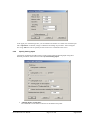
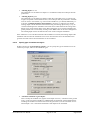
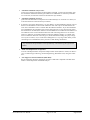
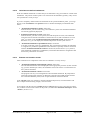
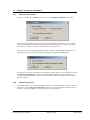
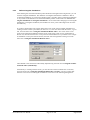
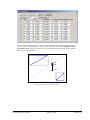
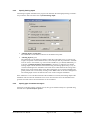
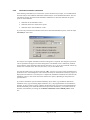
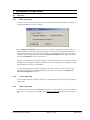
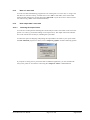
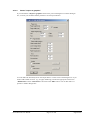
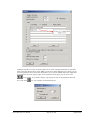
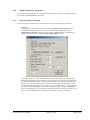
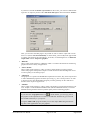
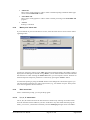
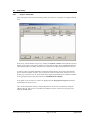
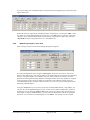
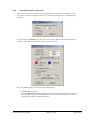
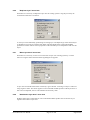
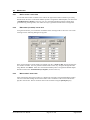
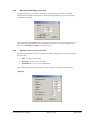
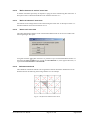
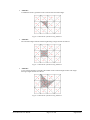
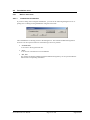
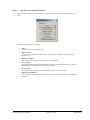
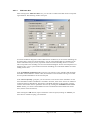
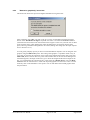
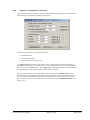
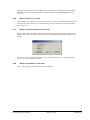
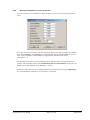
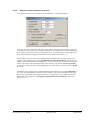
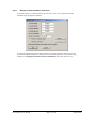
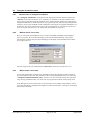
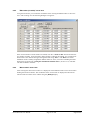
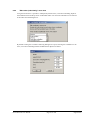
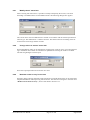
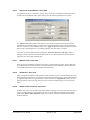
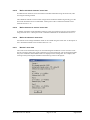
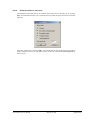
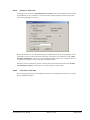
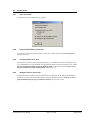
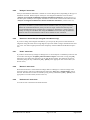
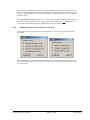
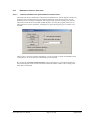
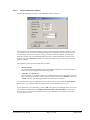
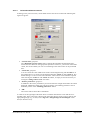
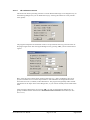
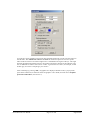
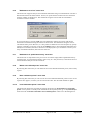
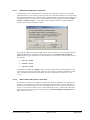
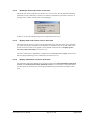
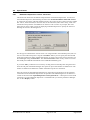
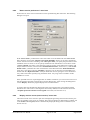
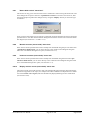
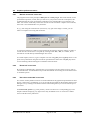
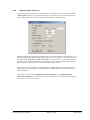
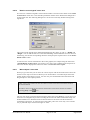
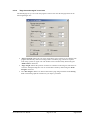
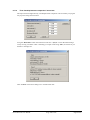
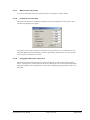
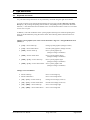
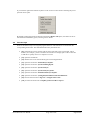
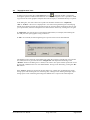
8.3.4 "Edit nodes (individually)" menu item Using this menu item it is possible to retroactively edit individual nodes of the constrained modulus mesh. By double-clicking near a node the following dialogue box opens, allowing the coordinates to be edited. After clicking the "Layer depths" button in the above dialogue box or by clicking directly in the constrained modulus profile, the layer depth dialogue box opens; it can also be opened via the menu item "Soils/Edit layer depths" (see Section 8.2.4). 8.3.5 "Generate nodes in array" menu item The nodes can be defined on an array using this menu item: A dialogue box opens for specifying the type of array: "Line"- along one or more lines, "Rectangle" - in one or more rectangles, "Quadrilateral" - in one or more quadrilaterals. The procedure is similar for all three cases. Therefore, only the rectangles will be described. "Rectangle" GGU-SETTLE User Manual Page 47 of 108 August 2014