1
Muting Effects Sends
129
Muting Effects Sends
ON
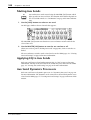
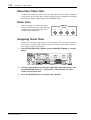
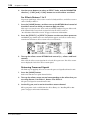
Effects send masters can be muted using the MASTER [ON] button, which
lights up when an effects send is on. The function of this button depends
on the selected Fader mode. See “ON Buttons” on page 34 for more information.
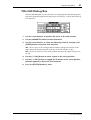
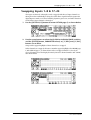
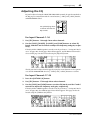
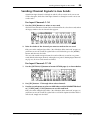
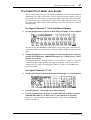
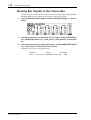
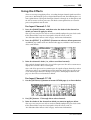
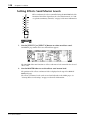
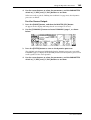
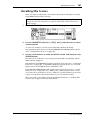
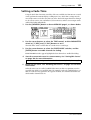
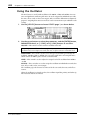
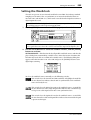
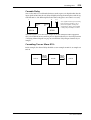
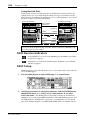
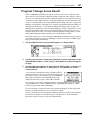
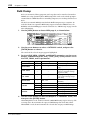
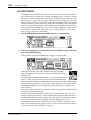
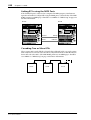
1. Use the [EFFECT 1] or [EFFECT 2] button to select an effects send.
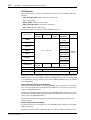
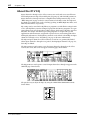
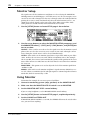
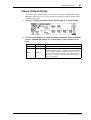
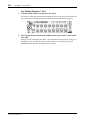
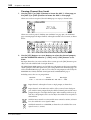
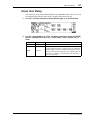
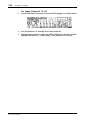
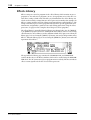
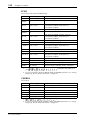
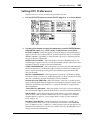
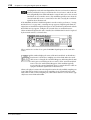
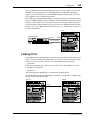
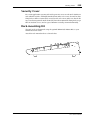
An EFFECT page similar to the one shown below appears.
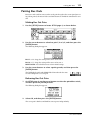
The MASTER [ON] button now functions as effects send master on/off switch for the
selected effects send.
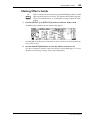
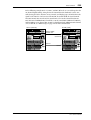
2. Use the MASTER [ON] button to turn the effects send on or off.
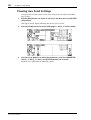
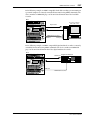
The effects send master switches can be viewed and set on the VIEW pages. See “Viewing Effects Send Settings” on page 127 for more information.
01V—Owner’s Manual