1
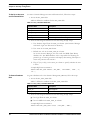
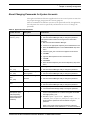
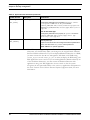
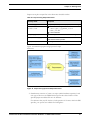
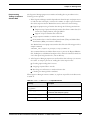
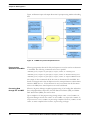
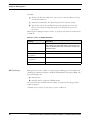
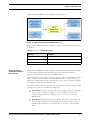
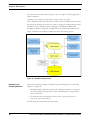
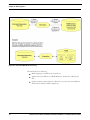
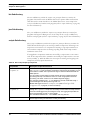
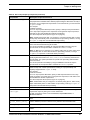
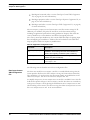
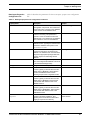
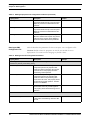
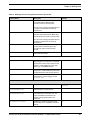
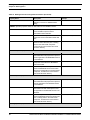
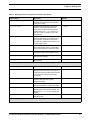
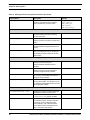
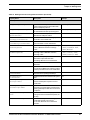
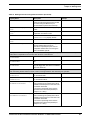
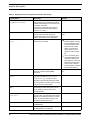
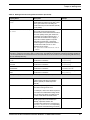
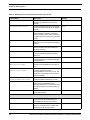
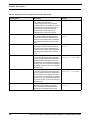
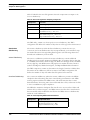
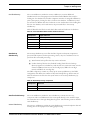
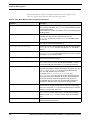
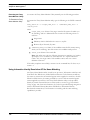
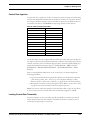
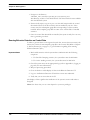
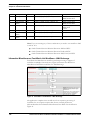
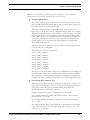
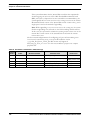
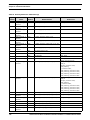
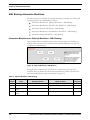
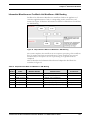
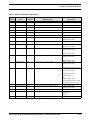
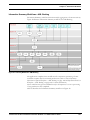
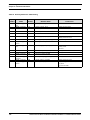
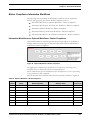
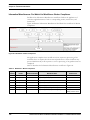
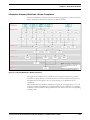
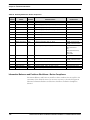
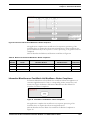
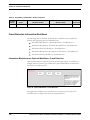
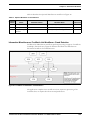
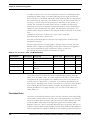
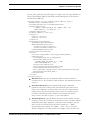
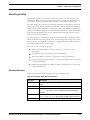
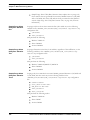
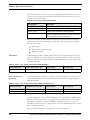
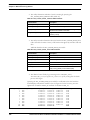
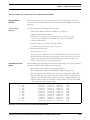
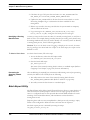
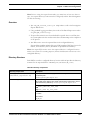
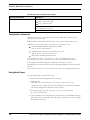
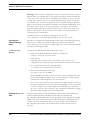
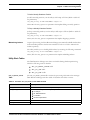
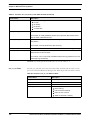
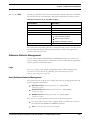
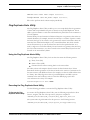
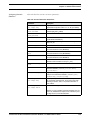
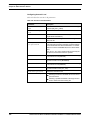
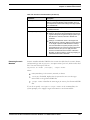
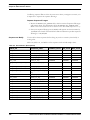
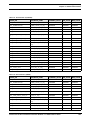
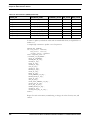
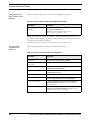
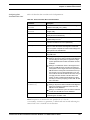
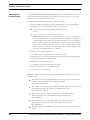
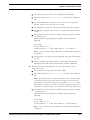
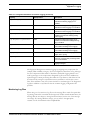
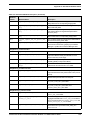
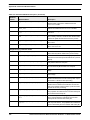
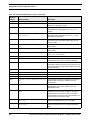
Setting up a User Chapter 3—Security Configuration For accessing Account Approval/Pre-Trade Approval: Set of policies that associate functional roles with access to specific system functions. One or more associated organizational affiliations that control the user's access to Account Approval and Pre-Trade Approval requests. Access to one or more jurisdictions. Access to one or more business domains. For accessing Administration Tools: Set of policies that associate admin functional role with access to specific system functions. Setting up a User To set up a user and provide the user access to the application, perform the following steps: 1. Create a user: refer to the Oracle Financial Services Analytical Applications Infrastructure User Manual Release 7.3 for setting up a user. 2. Once the user is created, map the user to the group. This in turn maps the user to the role. With this the user will have access to the privileges as per the role. Refer to section User Group and User Roles, on page 27, for more information on how to map User Roles to User Groups. Note: For the above sections, Refer to the Oracle Financial Services Analytical Applications Infrastructure User Manual Release 7.3 for further information. User Group and User Roles User Roles are predefined in the application. Sample values for User groups are included in the installer but can be modified by clients to meet their specific needs. The corresponding mappings between User Roles and sample User Groups are predefined but can also be modified by clients to either adjust the role to sample user group mapping or to map roles to newly defined user groups. For more information about creating a new user group and mapping it to an existing role, refer to the Oracle Financial Services Analytical Applications Infrastructure User Manual Release 7.3: Note: All User Groups should be mapped to Alert Management Infodom. Actions to Role mappings are done through Database tables. Sample action to role mappings are included in the application. Refer to the Oracle Financial Services Behavior Detection Platform Configuration Guide, for more information on changing the mapping of roles to actions. Oracle Financial Services Behavior Detection Platform 6.1.3 Administration Guide 27