1
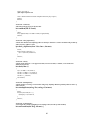
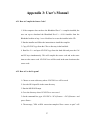
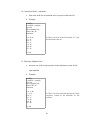
appear on the screen if the conversion is successful. Otherwise, an error message
will be shown. If an error occurs, refer to A3.4.
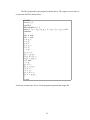
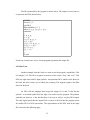
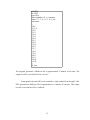
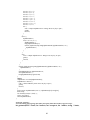
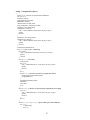
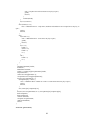
7. Open the DFA file using Notepad or any text editor to see the results.
A3.3 Some Notes
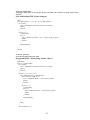
1. The program does not accept epsilon transitions.
2. Strictly follow the text file format specified in Appendix 1.
3. There is no limit to the size of the alphabet and states that can be used.
However, the alphabet is limited to printable characters and the space. It is also
important to note that the number of states should not be too large because this
takes so much memory space and program run time that might cause the computer
to hang.
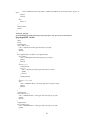
4. The word “null” can’t be used as a state name. The uppercase version (NULL),
however, can be used.
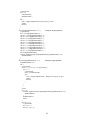
5. If a state is duplicated and one is accepting and the other is non-accepting, the
program will just consider the first one, whether accepting or not. For instance, if
the user entered:
states q0, q1, q2, *q1;
the program will interpret q1 as a non-accepting state. If it’s the other way around:
states q0, *q1, q2, q1;
the program will interpret q1 as an accepting state.
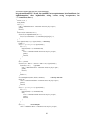
6. The user will be notified when there are errors in the input file. Once the
program has seen an error, it will stop reading the file. Therefore, it won’t be able
58