1
Planning the Quilting
Quilt Pattern Creation
Record Options
3.5.3
115
Record Options
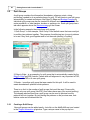
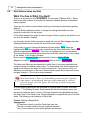
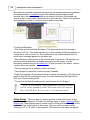
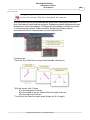
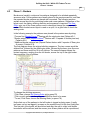
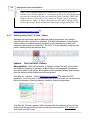
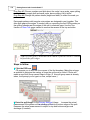
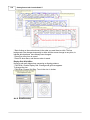
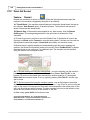
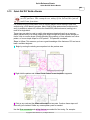
Another remarkable feature of CS is being able to create new designs by moving the
sewing head and saving that motion as a new pattern. This is similar to tracing a
design and saving it as a new pattern. It is easy to do because the belts do not have
to be engaged to record the motions. CS automatically creates a new pattern file and
saves it for repeated use, without needing Autosketch or any other CAD program.
The Record Mode is a subset of the Regulated Sewing feature.
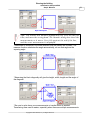
Tip:
Record mode can be used without the belts being engaged.
The belts need to be engaged when stitching the newly recorded
pattern however.
Steps to follow:
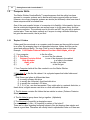
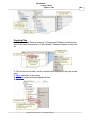
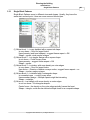
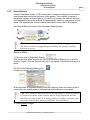
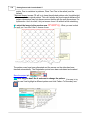
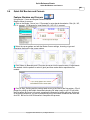
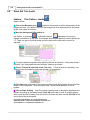
1. Choose a style of Regulated_Sewing
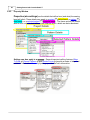
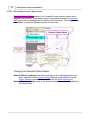
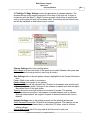
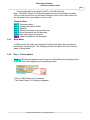
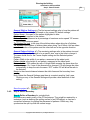
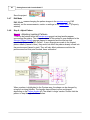
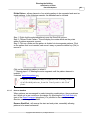
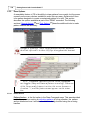
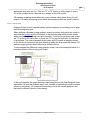
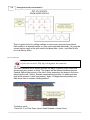
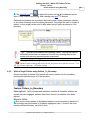
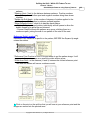
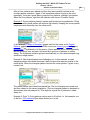
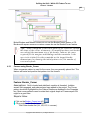
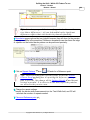
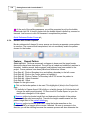
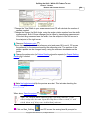
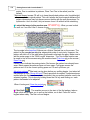
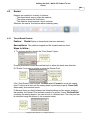
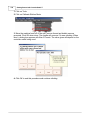
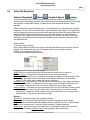
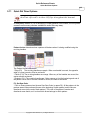
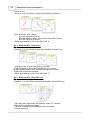
Click on the small black arrow to the right of the Regulated Sewing icon to see the
choices. Original, Plus and Smooth vary only in the speed of the needle moving up &
down.
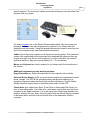
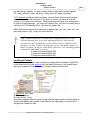
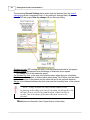
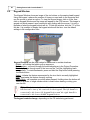
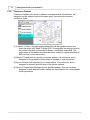
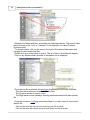
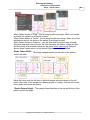
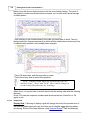
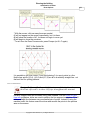
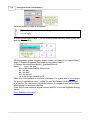
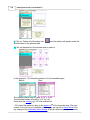
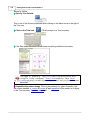
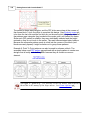
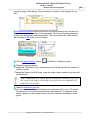
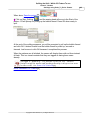
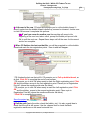
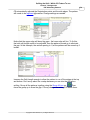
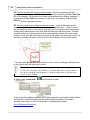
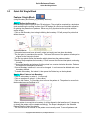
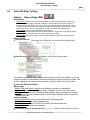
2. Click on the Regulated Sewing icon.
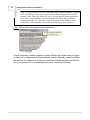
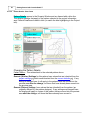
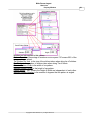
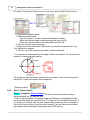
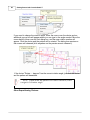
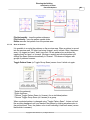
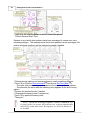
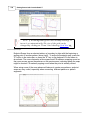
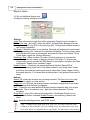
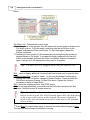
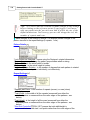
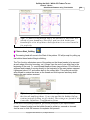
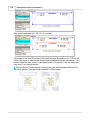
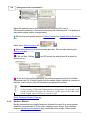
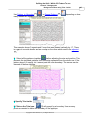
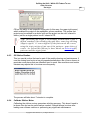
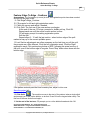
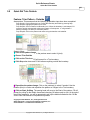
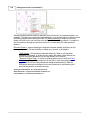
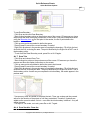
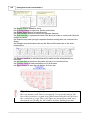
A Dialog box shows settings and buttons:
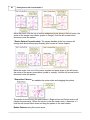
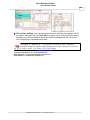
All the functions in Regulated Sewing work the same way when the Record mode is
active. Move the sewing head to the beginning of the pattern to be recorded.
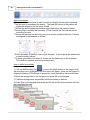
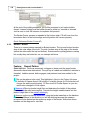
Tip:
The machine does not need to be stitching to record a pattern.
It is the movement of the stitcher that is being captured, not the
movement of the needle. If stitching while recording is desired, just
press the Start button after pressing the Record button.
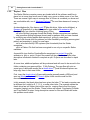
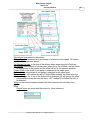
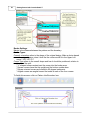
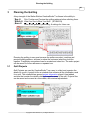
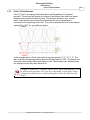
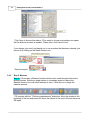
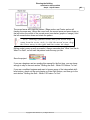
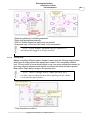
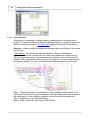
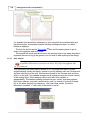
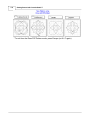
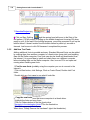
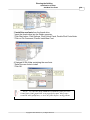
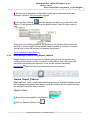
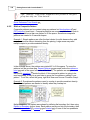
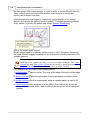
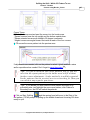
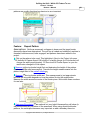
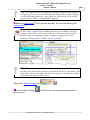
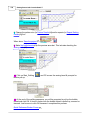
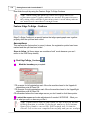
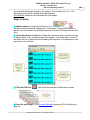
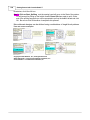
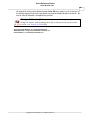
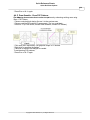
3. Press Record to begin.
Copyright © 2009 Gammill, Inc. | All Rights Reserved