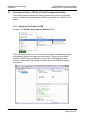
1
MVI69L-MBS ♦ CompactLogix Platform
Modbus Serial Lite Communication Module
5
Adding the Module to RSLogix
User Manual
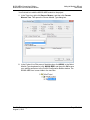
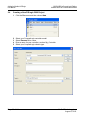
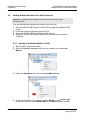
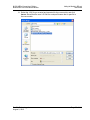
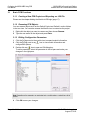
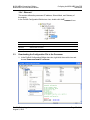
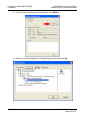
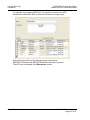
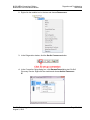
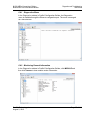
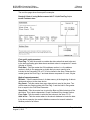
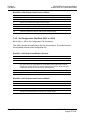
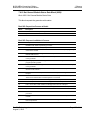
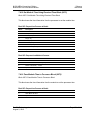
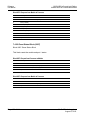
Select the MVI69L-MBS module in the tree and repeat the above steps to
add a second (or more) module in the PCB project.
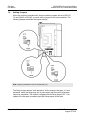
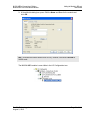
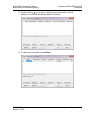
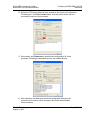
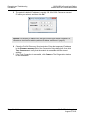
Note: You must give each MVI69L-MBS module a unique name. The default name on a duplicate
module appends a number to the end such as MVI69L-MBS_000, MVI69L-MBS_001, etc.
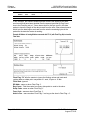
6
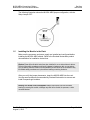
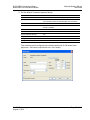
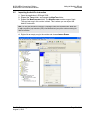
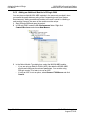
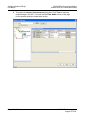
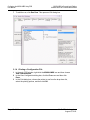
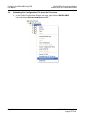
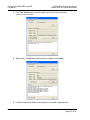
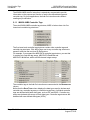
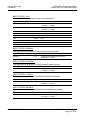
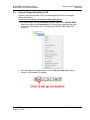
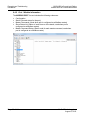
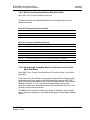
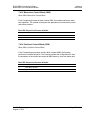
You can rename the module by right clicking the module and choosing
Rename.
7
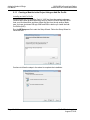
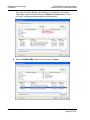
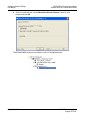
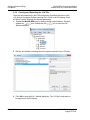
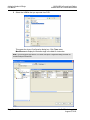
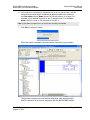
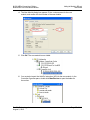
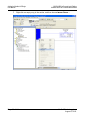
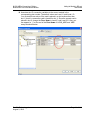
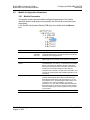
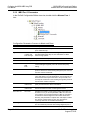
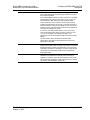
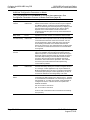
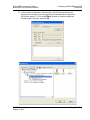
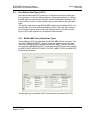
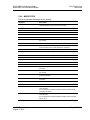
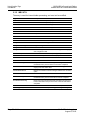
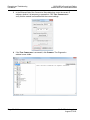
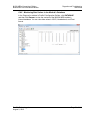
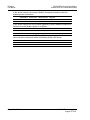
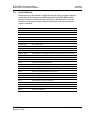
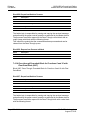
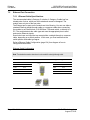
Configure the module parameters. See Module Configuration Parameters
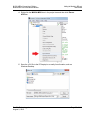
(page 47) and then export the AOI .L5X file for the new module (right-click the
module and choose EXPORT AOI FILE. See Creating and Exporting the .L5X
File.
ProSoft Technology, Inc.
August 3, 2015
Page 35 of 144