1
THOR FP – Advanced Remote Control
Version 3.5
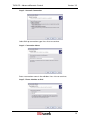
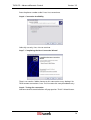
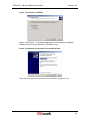
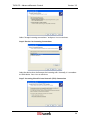
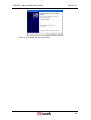
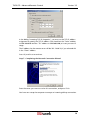
Step 4: Finish
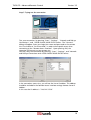
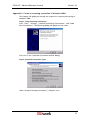
Step 5: Trying out the connection
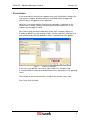
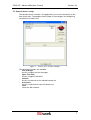
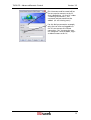
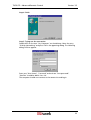
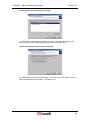
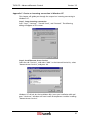
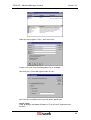
Double click on the icon “My Computer” on the desktop. Select the entry
“Dial-Up Networking” and press Dial in the appearing dialog. The following
dialog will then appear:
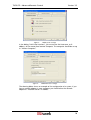
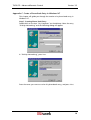
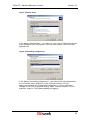
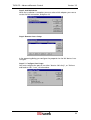
Enter your “User Name”, “Password” and activate “Save password”.
“Domain” should be blank. Press OK.
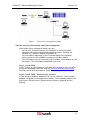
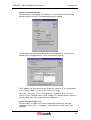
The computer should now connect to the remote site and log in.
22