1
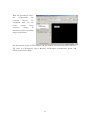
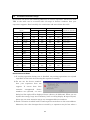
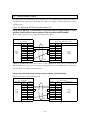
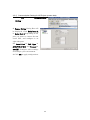
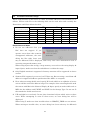
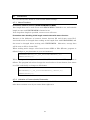
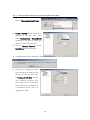
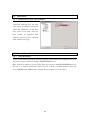
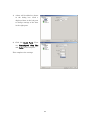
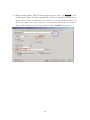
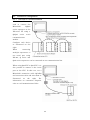
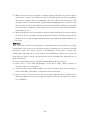
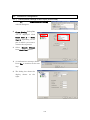
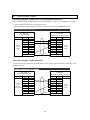
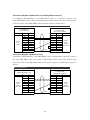
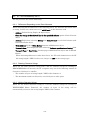
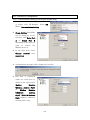
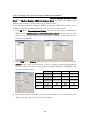
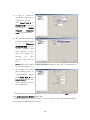
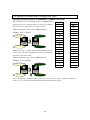
4) A host will be added. Confirm the added host is displayed in reverse. Then set
Trajexia in the Type field.
Change the host name if
necessary.
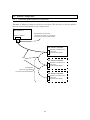
Referemce:
Set as follows unless there is a special situation.
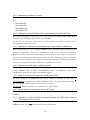
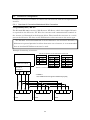
The Network Address --- > The NS Network Address set at step 2
The Node Address --- > The forth segment of the IP Address set with Trajexia
This completes the procedure if settings described in the Reference at the step 2 and 4
have been made. When not made, the following settings are additionally required.
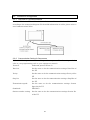
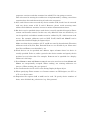
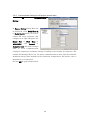
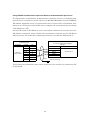
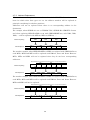
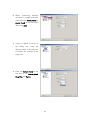
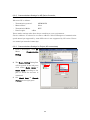
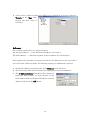
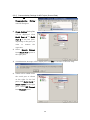
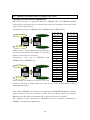
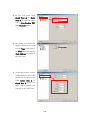
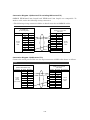
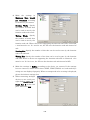
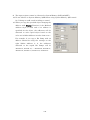
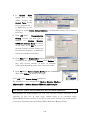
5) Setting the address conversion table. Click Ethernet in the left pane.
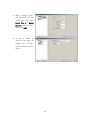
6) The Conversion Table will be shown in the right pane. Click the Add Button.
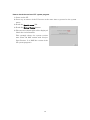
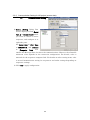
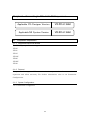
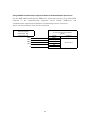
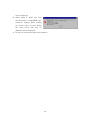
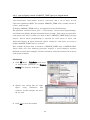
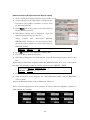
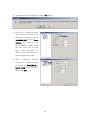
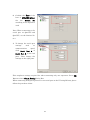
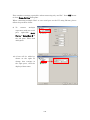
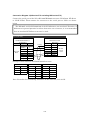
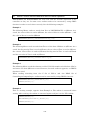
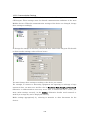
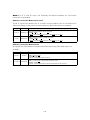
7) The IP Address Setting Dialog Box will be displayed.
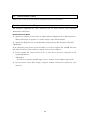
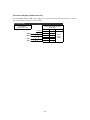
Input the Node Address set with Trajexia in the
Node Address field and Trajexia IP Address in the IP
Address field. Press the OK Button.
75