1
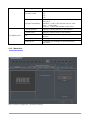
4.4 Dynamic layout
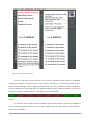
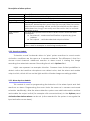
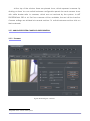
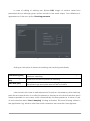
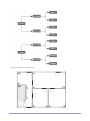
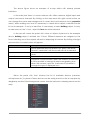
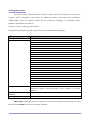
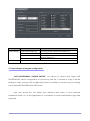
The function allows to set the sequence of camera picture layouts. For example in
the 16 camera system it is possible to create a program, which will display each camera
on fullscreen for 5 seconds, and then at the the end of the sequence all cameras all
together.
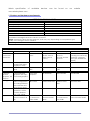
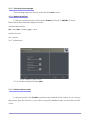
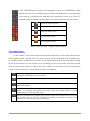
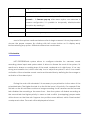
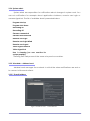
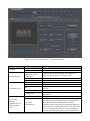
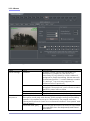
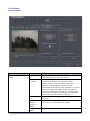
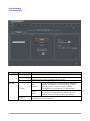
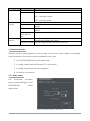
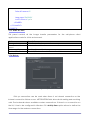
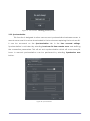
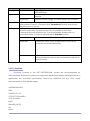
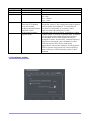
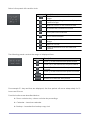
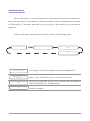
Setting of dynamic camera layout mode is made in the following steps:
Selecting layout
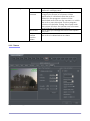
Adding layout to sequence
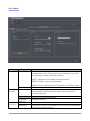
Setting layout display
time
OK
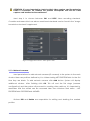
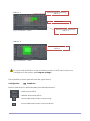
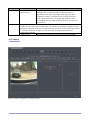
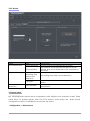
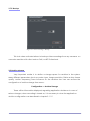
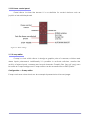
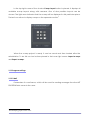
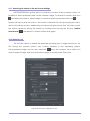
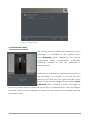
Selecting layout
Choosing of one of the available layouts (paragraph 3.2)
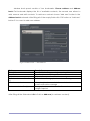
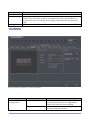
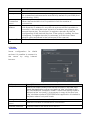
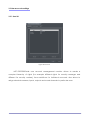
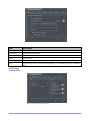
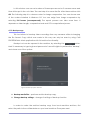
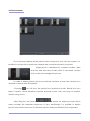
Adding layout to
sequence
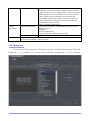
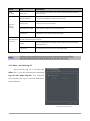
Menu: Tools -> Dynamic layout -> Add current layout
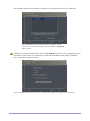
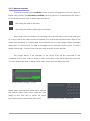
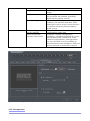
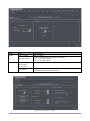
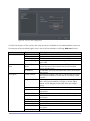
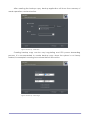
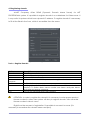
Setting layout display
time
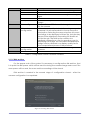
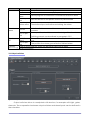
OK
Version 3.0.0.600
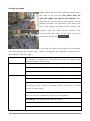
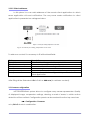
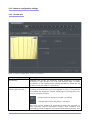
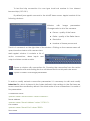
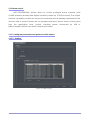
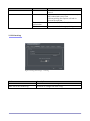
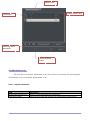
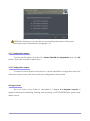
When in the dynamic layout menu double click on particular
layout time field to set it's display time
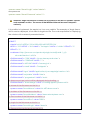
Confirm changes
90
ALNET SYSTEMS