1
VIVOTEK
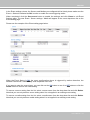
Configuration Area
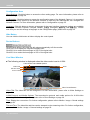
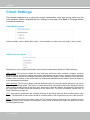
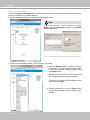
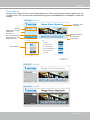
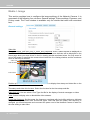
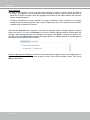
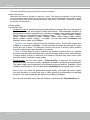
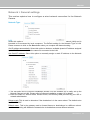
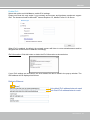
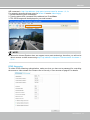
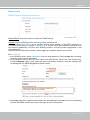
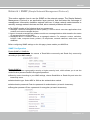
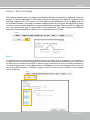
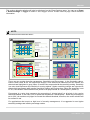
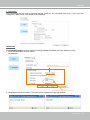
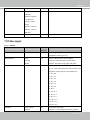
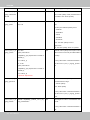
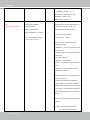
Client Settings: Click this button to access the client setting page. For more information, please refer to
Client Settings on page 30.
Configuration: Click this button to access the configuration page of the Network Camera. It is suggested
that a password be applied to the Network Camera so that only the administrator can configure the
Network Camera. For more information, please refer to Configuration on page 35.
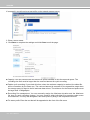
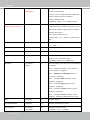
Language: Click this button to choose a language for the user interface. Language options are available
in: English, Deutsch, Español, Français, Italiano, 日本語, Português, 簡体中文, and 繁體中文. Please
note that you can also change a language on the Configuration page; please refer to page 35.
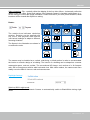
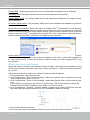
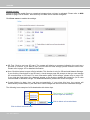
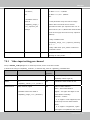
Hide Button
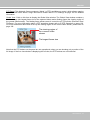
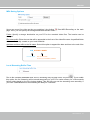
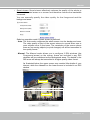
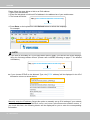
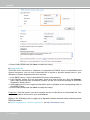
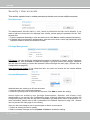
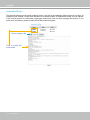
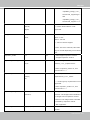
You can click the hide button to hide or display the control panel.
Resize Buttons
:
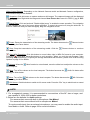
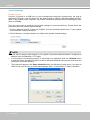
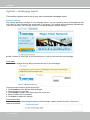
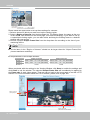
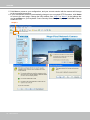
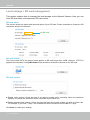
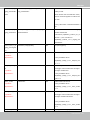
Click the Auto button, the video cell will resize automatically to fit the monitor.
Click 100% is to display the original homepage size.
Click 50% is to resize the homepage to 50% of its original size.
Click 25% is to resize the homepage to 25% of its original size.
Live Video Window
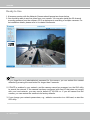
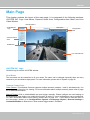
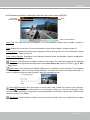
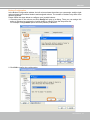
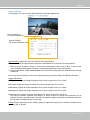
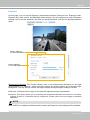
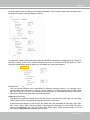
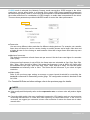
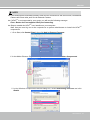
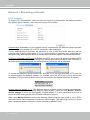
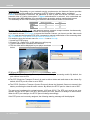
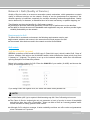
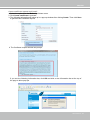
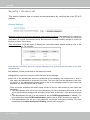
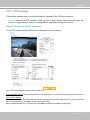
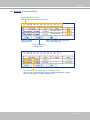
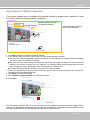
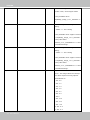
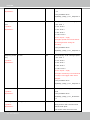
■ The following window is displayed when the video mode is set to H.264:
H.264 Protocol and Media Options
Video Title
Title and Time
Zoom Indicator
Video (TPC-AV)
2015/03/25 17:08:56
Time
Video 17:08:56 2015/03/25
x4.0
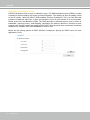
Video Control Buttons
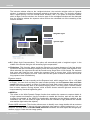
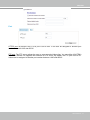
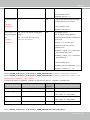
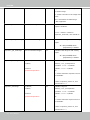
Video Title: The video title can be configured. For more information, please refer to Video Settings on
page 48.
H.264 Protocol and Media Options: The transmission protocol and media options for H.264 video
streaming. For further configuration, please refer to Client Settings on page 30.
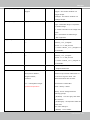
Time: Display the current time. For further configuration, please refer to Media > Image > Genral settings
on page 48.
Title and Time: The video title and time can be stamped on the streaming video. For further configuration,
please refer to Media > Image > General settings on page 53.
26 - User's Manual