1
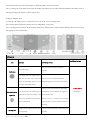
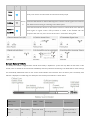
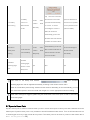
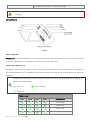
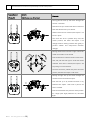
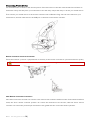
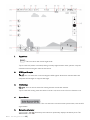
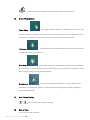
This switch has two positions. The effect of toggling the switch to any of these four positions is defined below:
1) Raise, 2) Lower.
1)
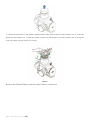
Raise: Raise the landing gear to its upper most position. Landing gear is raised automatically when user selects
Auto Takeoff option in the DJI Pilot App.
2)
Lower: The landing gear will lower to its lowest position for landing. Landing gear automatically is lowered when
user selects Auto Landing in the DJI Pilot App.
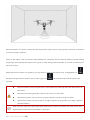
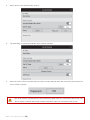
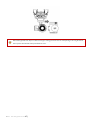
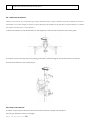
Do not raise the landing gear when the aircraft is on the ground. Ensure the landing gear is lowered
before landing.
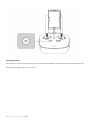
RTH button
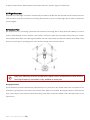
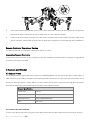
Press and hold this button to start the Return to Home (RTH) procedure. The LED around the RTH Button will blink
white to indicate the aircraft is entering RTH mode. The aircraft will then return to the last recorded Home Point.
Press this button again to cancel the RTH procedure and regain the control of the aircraft.
©2014
DJI All Rights Reserved 37
|