1
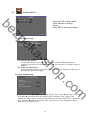
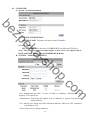
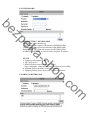
G. Configure Setup
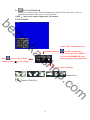
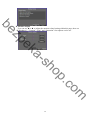
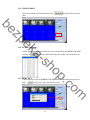
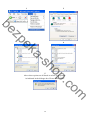
Click the checkbox to select which item can be setup by the user. The user can also
load the setting to factory default, load the configure from USB and backup configure
to USB.
be
sh
a-
ek
zp
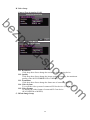
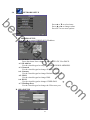
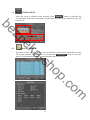
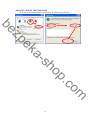
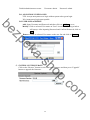
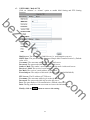
H. Time Setup
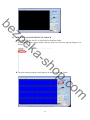
Click
button within “Time” block can adjust and synchronize the time of
the HYBRID DVR as the system time of the PC. Moreover, if the user clicks the
button within the NTP Setup block, the time of the
enable checkbox and
HYBRID DVR will synchronize as the NTP Server.
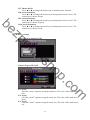
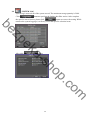
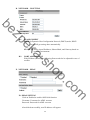
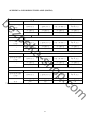
I. Day Light Saving Time
o
.c
op
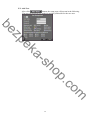
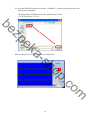
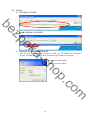
After enable the daylight saving time function, the user can use the drop down list to
select the start time and the end time of daylight saving time. After complete the
m
button to reserve the setting.
setting, please click
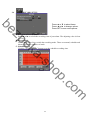
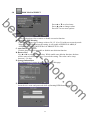
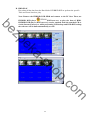
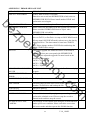
J. Status Display Setup
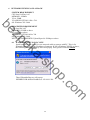
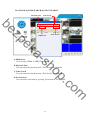
Use the mouse to click the options, which is including “Date and Time Display”,
“Record Information Display” and “Camera Title Display”.
35