1
How to work with Artisteer interface?
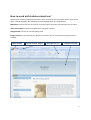
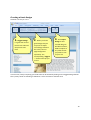
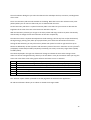
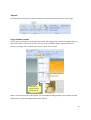
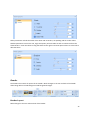
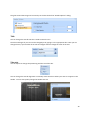
The Artisteer interface is quite simple to learn. There are several main items: Main Menu, Quick Access
Menu, Tabbed Navigation Bar and Design Preview (highlighted on the image below).
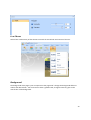
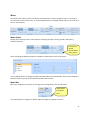
Main Menu contains basic file commands, recent documents and other standard items for File menu.
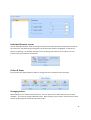
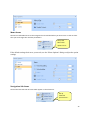
Quick Access Menu contains Undo, Redo, Save and Open shortcuts.
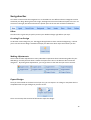
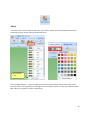
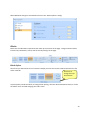
Navigation Bar contains all available editing tools.
Design Preview lets you see how your design will look like. All links and buttons on preview are nonclickable.
Main Menu
Quick Access Menu
Navigation Bar
Design Preview
5