1
Chapter 3 Interfacing
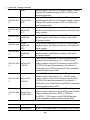
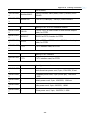
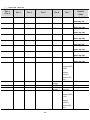
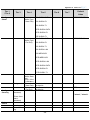
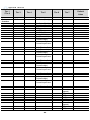
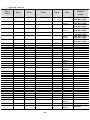
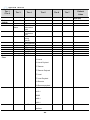
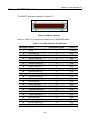
The indication of front panel is as follow:
Table 3-2 Indication of front panel on S1400
LED
PWR
Color
Green
Red
ALM
TST
LAN
ACT
LINK
DSL
Mode
Function
on
Power input is supplied to this unit
off
Power is not connected
off
Normal status
on
An alarm occurs
blink
Software downloading or self-testing
Yellow
on/off
on: indicates it is in Test mode
Green
on/off
on: when data transmit or receive over the
LAN
Yellow
on/off
on: collision detected
on/off
on: when the physical link through RJ-11
Green
connection cable is established
blink
-33-
SHDSL line is training