1
SAA Software
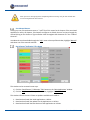
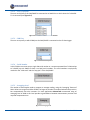
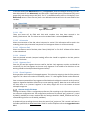
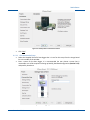
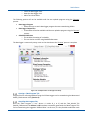
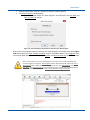
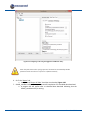
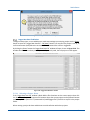
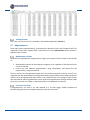
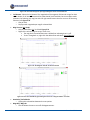
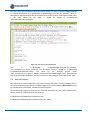
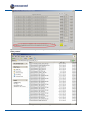
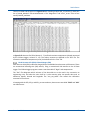
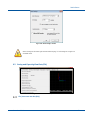
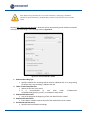
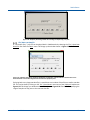
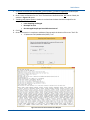
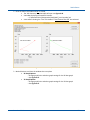
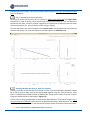
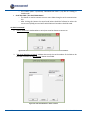
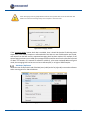
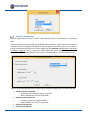
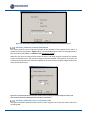
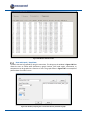
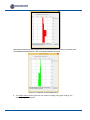
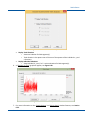
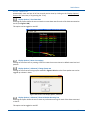
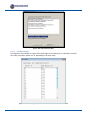
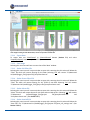
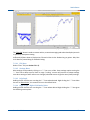
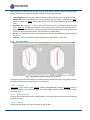
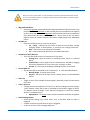
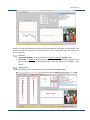
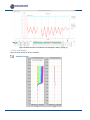
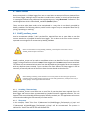
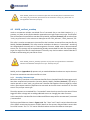
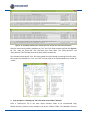
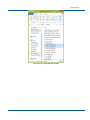
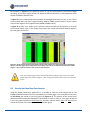
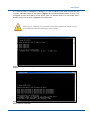
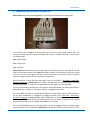
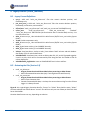
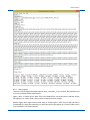
Figure A- 10: The four folders used in this example.
The four folders in Figure A- 10 (and some more concatenated ones) are installed in ‘C:\Measurand
Inc\SAA3D\logger_files\’ when SAACR_raw2data is installed and may be used to practice the steps
shown throughout the manual. There are also some example “site.txt” and “matchup.txt” files
installed in the same place.
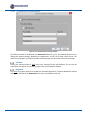
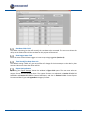
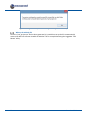
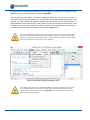
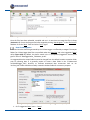
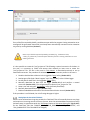
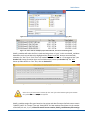
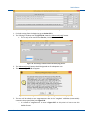
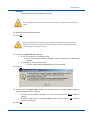
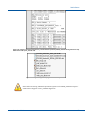
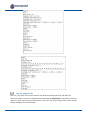
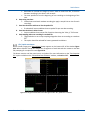
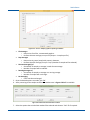
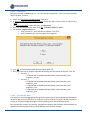
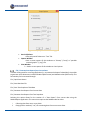
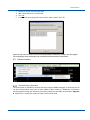
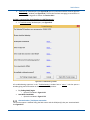
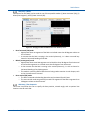
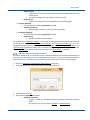
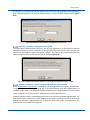
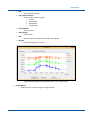
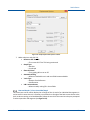
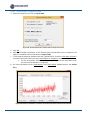
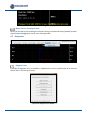
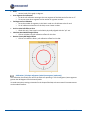
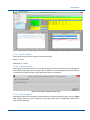
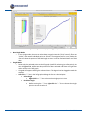
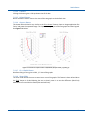
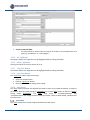
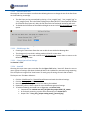
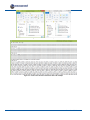
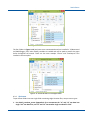
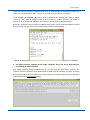
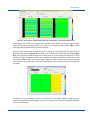
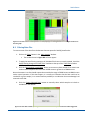
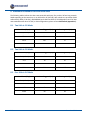
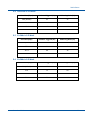
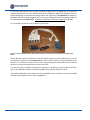
Figure A- 11: The five files that are in each project folder.
A.3.2 The Process
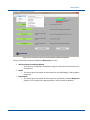
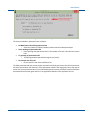
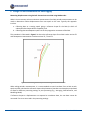
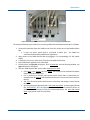
To put all four folders into one single folder containing single Cartesian files, one per sensor types:
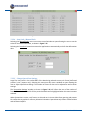
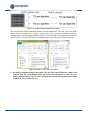
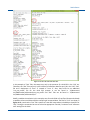
1. Use SAACR_raw2raw_concat (Appendix A.1) to concatenate the “t1” and “t2” raw data into
single “t12” raw data files, and “t3” and “t4” into another single raw data file “t34”.
December 2014
221