1
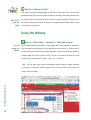
The chosen
note is at the
top and the
whole thread
at the bottom
of the page
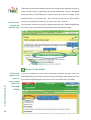
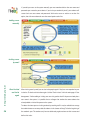
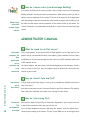
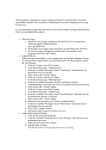
Choose the note that you would like to read. The chosen note is displayed at the top of the page
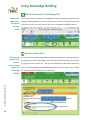
Show all notes
bodies inline
for easy
printing
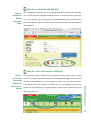
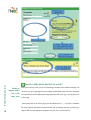
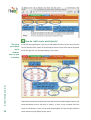
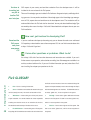
You can view all the notes body content displayed inline if you click the ‘Show bodies of all
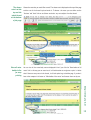
and the rest of the thread is placed under it. To browse the notes you can either use the
‘Previous’ and ‘Next’ links or scroll down and select any note subject from the thread.
notes’ link. In this way you can overview all of the discussion at one glance or print it. Notice
that if there are many notes in the thread, it will take quite long to load the page. If you don’t
have a fast computer it is better to “hide bodies of the notes” and browse them one by one.
http://fle3.uiah.fi
15