1
Client/Server Fixed Assets Application User Manual
Controlling Access Security Using the Option Set and Access Dictionaries
Overview
Creating Security Levels Example
Creating Security Levels Example
Overview
Creating the Option Set (via the FA Option Set Dictionary)
Entering Buttons Manually (via the FA Option Set Dictionary)
Defining Buttons for Routines (via the FA Option Set Dictionary)
Creating Menus for Buttons (via the FA Option Set Dictionary)
Linking Users (via the FA Access Dictionary)
Editing and Deleting Buttons
Overview for the Creating Security Levels Example
Assume you are setting up a new option set that includes only specific accounting routines.
You must also assign a group of users to the new option set.
This example illustrates how you define the option set in the FA Option Set Dictionary, and
then you assign users to the option set via the FA Access Dictionary. This example takes you
step-by-step through the various methods of creating security levels.
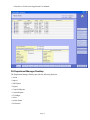
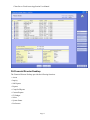
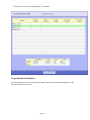
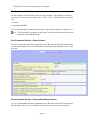
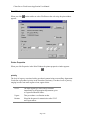
Note: Each topic in this example displays the section of the screen the topic is
describing. The boxed numbers correspond with a step. You can also click on any
prompt on these screen images for more information about the prompt.
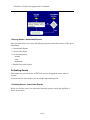
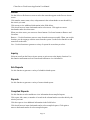
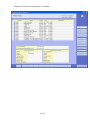
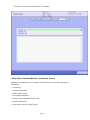
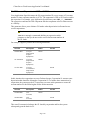
Entering Buttons Manually for the Process Screen
Step
1)
At the Button prompt, use the Lookup to view a list of
buttons. Select a button to include on the process screen and
click
.
Page 177