1
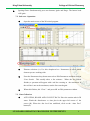
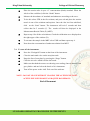
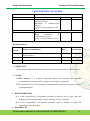
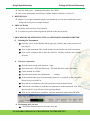
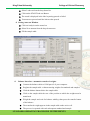
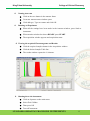
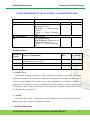
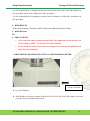
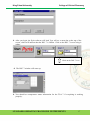
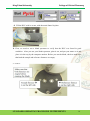
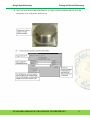
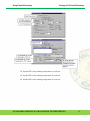
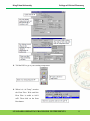
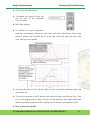
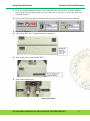
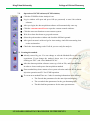
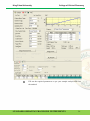
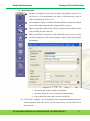
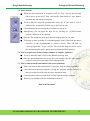
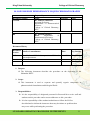
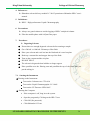
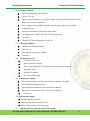
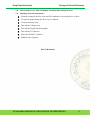
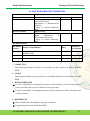
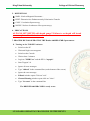
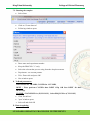
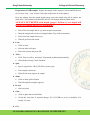
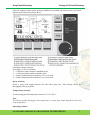
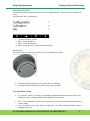
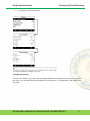
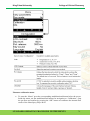
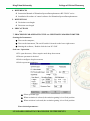
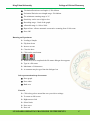
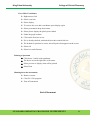
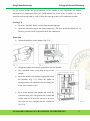
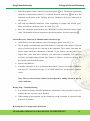
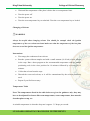
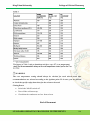
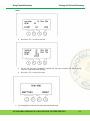
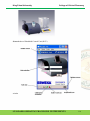
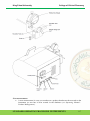
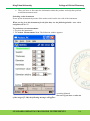
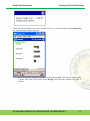
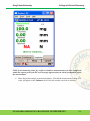
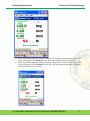
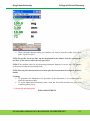
King Faisal University College of Clinical Pharmacy EuroEA 3000 series – installation Procedure for CHNS Eurovector instruments and software Callidus Software Interface Version 5.1. 5. DEFINITIONS Bypass: Un-weighed standard samples are introduced to clean and condition the entire analytical circuit prior to sample analysis. 6. PRECAUTIONS Each time leak test has to be performed. You must not proceed data acquisition until the leak test has passed. 7. PROCEDURE FOR OPERATING THE AA SPECTROFLUOROPHOTOMETER Starting the Instrument Open the valves of the Helium and Oxygen gas cylinder and set the pressure to 4 bar (60 psi), Turn on the instrument, The on/off switch is located at the rear of the instrument. Turn on the computer and to Start the software, Double click the icon Callidus software. Soft ware Operation. From the main menu click Operator login. Enter user name =EVR and Password = EA3000 and click on the OK button. Create method for CHNS From the main menu select Instrument ….. Setting. In the method frame type the instrument parameters as reported in the Analytical Protocol received with EA. Press the save as button to store the parameters in the methods library. Click on the send button to load the new parameters on the instrument. The front furness and GC oven will star to heat up immediately. Wait for the instrument to condition , until the instrument status shows READY. Performing the Leak test Click on the Instrument menu from the menu bar. STANDARD OPERATING PROCEDURE: INSTRUMENTS 11