1
16
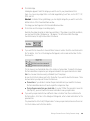
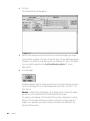
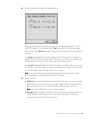
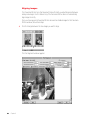
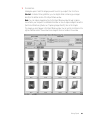
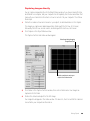
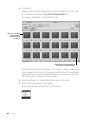
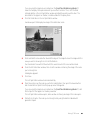
Click Make Object.
It takes a few minutes for the Object Maker to create the QTVR object. Processing time
depends on the number and resolution of the source images, the speed of your computer,
the amount of RAM available to the Object Maker, and the type of compression you selected.
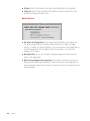
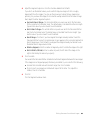
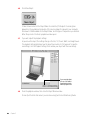
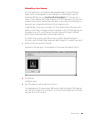
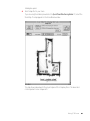
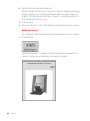
When the process is finished, a playback window opens.
17
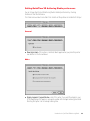
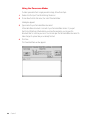
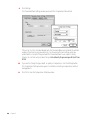
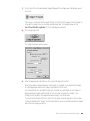
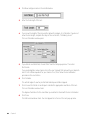
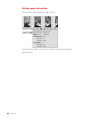
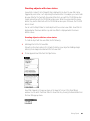
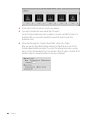
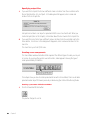
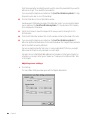
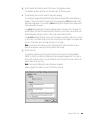
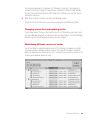
If you wish, adjust the playback settings.
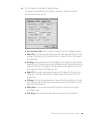
As you move the object, the settings change in the Pan, Tilt, Zoom, Width, and Height boxes.
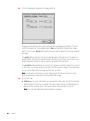
The playback settings determine how the object looks when it is first opened. To save the
new settings, click Set Playback Settings, then remake your object with the new settings.
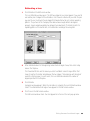
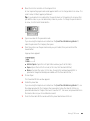
If you move the object,
you can click Reset to
move the object to the
default playback view.
18
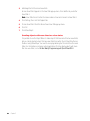
Close the playback window, then close the Object Maker window.
Choose Quit from the File menu if you are done using QuickTime VR Authoring Studio.
48
Chapter 5