1
MET EK
Mic r o Rain Radar MRR- 2
20
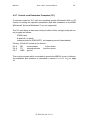
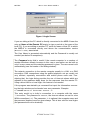
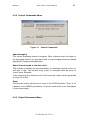
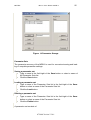
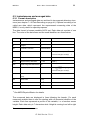
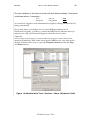
6.2.2 Control Commands Menu
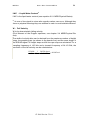
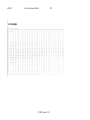
Figure 11 Control Commands
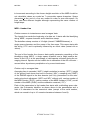
Abort Averaging
The current averaging interval is stopped. Data, collected since the begin of
the averaging interval, are processed and a new averaging interval is started
regardless of elapsed averaging time.
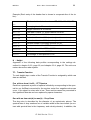
Adjust interval length to real time clock
This checkbox activates the synchronization of measuring intervals to the actual time of day. This means every output of averaged data will occur at
‘round’ times. Example:
If the measuring time has been set to 600 seconds, output will be generated
at every full 10 min.
Reset
Pressing this button will perform a reset of the RCPD firmware. There is no
influence on the MRR-2 parameters. It has the same effect as an interruption
of the power supply.
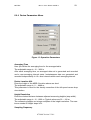
6.2.3 Output Parameters Menu
07.2009 Version 5.2.0.1