1
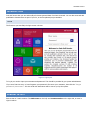
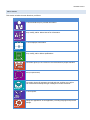
GENERAL LAYOUT
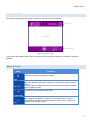
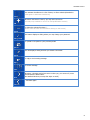
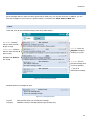
This activates checkboxes in a list of items, to allow selection/deselection.
(Click again to deactivate checkboxes)
Select
Whenever this button is active, you may add a new item
(currently only available in next of kin and qualification sections)
Add
To delete the selected list item(s).
(Please select at least one item before clicking on this button)
Delete
This button displays a dialog where you may change your password.
Change Pwd
To upload a new photo to your personal profile
Upload
This will display a dialog that lets you attach a document.
Attach
To reply to an incoming message
Reply
To send a message
Send
Next
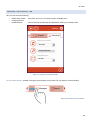
Whenever a Content section has more to show you, you can scroll / move
forward with the Next-button.
(On handheld devices you may also swipe to scroll)
… and back again
Previous
6