1
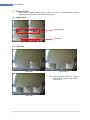
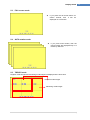
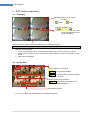
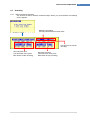
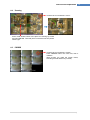
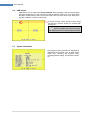
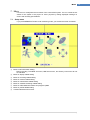
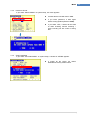
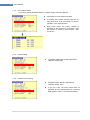
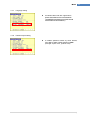
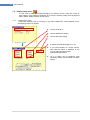
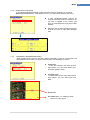
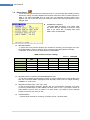
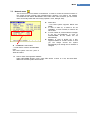
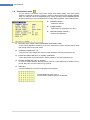
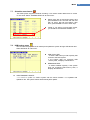
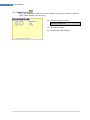
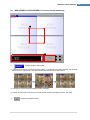
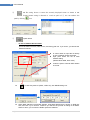
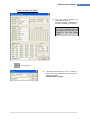
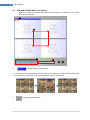
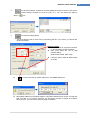
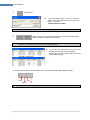
Display mode 5.3. FULL screen mode If you press the full screen button for certain channel, then it will be displayed on a full screen. 5.4. AUTO rotation mode If you press AUTO button, then the proper images are displayed fully on a screen by channels. 5.5. TRIPLEX mode Playback mode images and monitoring mode images are displayed at the same time. Playback mode images Monitoring mode images 12 | 12