1
DUS 3 Digital Ultrasonic Diagnostic Imaging System User Manual
6.
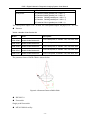
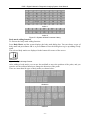
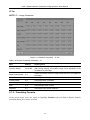
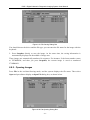
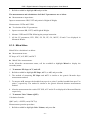
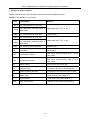
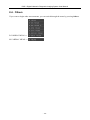
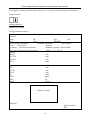
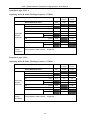
Measured Results, as shown below.
Press Measure to finish and exit.
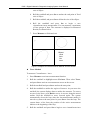
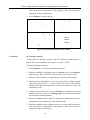
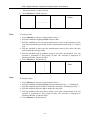
Depth1
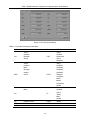
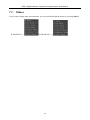
Figure 6-14 Distance Measurement and the Results
Time
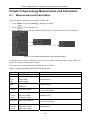
To measure time:
1. Press Measure to activate a measurement cursor “+”.
2. Roll the trackball to highlight Time and press Set.
3. Roll the trackball to move the first measurement cursor at the beginning of the
time interval and then press Set, and the measurement mark turns to a vertical
line.
4. Roll the trackball to move the first measurement cursor at the end of the time
interval and then and press Set.
5. Roll the trackball and press Set to begin a new time measurement. You can
measure a maximum of four groups of data. The outcome is displayed in
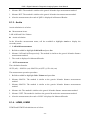
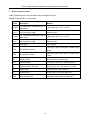
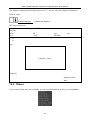
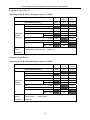
Measured Results, shown as below.
6. Press Measure to finish and exit.
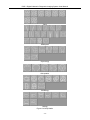
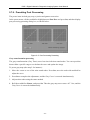
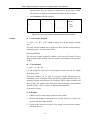
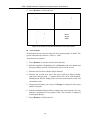
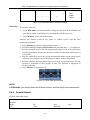
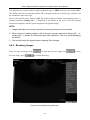
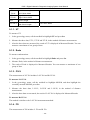
Time1
Figure 6-15 Time Measurement
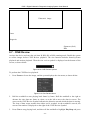
Slope
To measure slope:
1.
2.
3.
4.
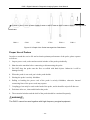
5.
Press Measure to activate a measurement cursor “+”.
Roll the trackball to highlight Slope and press Set and a big “+” is displayed.
Roll the trackball and press Set to anchor the start point, and displays a big “+”.
Roll the trackball and press Set to anchor the end point.
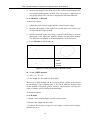
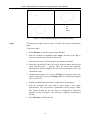
Roll the trackball and press Set to begin a new slope measurement. You can
measure a maximum of four groups of data. The outcome is displayed in
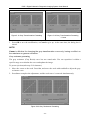
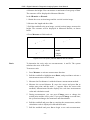
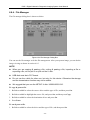
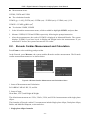
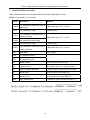
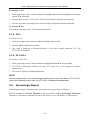
Measured Results, as shown below.
6. Press Measure to finish and exit.
.
- 63 -