1
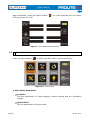
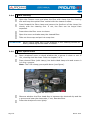
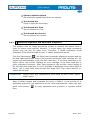
Maintain
Electrode maintenance, etc…
System
Set the display parameters, system language & time, restore to initial
settings, etc…
History
Record arc times, splice results, etc…
Help
Provide key operation manual.
2.4
System and Function Settings
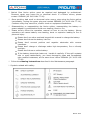
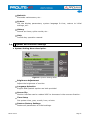
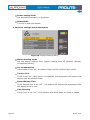
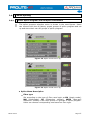
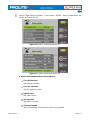
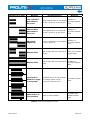
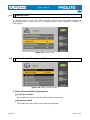
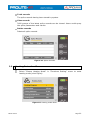
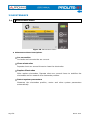
► System Setting Menu description.
Figure 9. System Setting Menu.
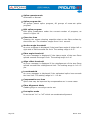
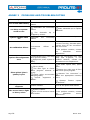
Brightness Adjustment
Adjust the brightness of monitor.
Language Selection
English and Spanish caption are both provided.
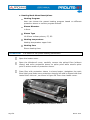
Screen flip
Monitor interface can be rotated 180° to showcase in the reverse direction.
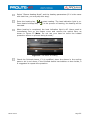
Time Setup
Set system time, year, month, hour, minute.
Restore Factory Settings
Restore all parameters to initial settings.
March 2014
Page 9