1
Installation and Wiring
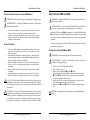
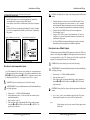
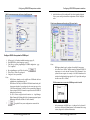
-- The same .mdb file is used for all 5X00 and IOEM/REM instruments.
Once the upload process begins the instrument type is determined and
the appropriate firmware is uploaded.
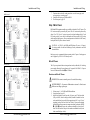
7.
opens;
Installation and Wiring
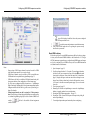
8.
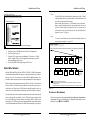
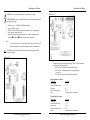
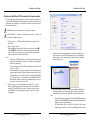
Left click “Yes” to begin firmware upload. Firmware Updater screen opens;
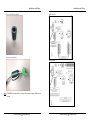
at Firmware Updater window. Firmware Update info window
9.
at
window when upload
completes;
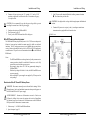
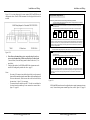
10. Verify uploaded version information is correct at IOEM/REM node after
manually polling IOEM/REM instruments. When all instruments have
been uploaded with new firmware, it is important to open and poll all nodes
to ensure latest firmware version is stored at AquaManager database. After
manual poll, it may be necessary to close node window at AquaManager and
reopen in order for latest firmware version to be displayed at node window.
IOEM/REM Safey and Installation Guide
62
IOEM/REM Safey and Installation Guide
63