1
5.
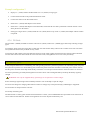
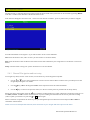
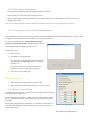
When asked press Next to accept the default folder locations for
Flexisight Manager and ffdshow.
6.
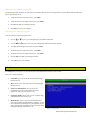
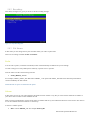
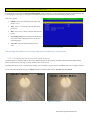
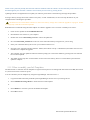
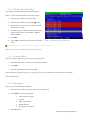
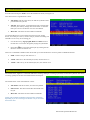
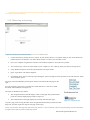
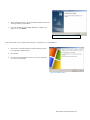
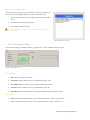
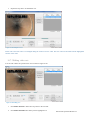
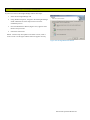
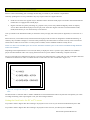
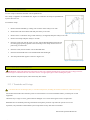
Once the installation of Flexisight Manager is complete, see
Figure 10.3, press Finish
Figure 10.3: Flexisight Manager Wizard Complete
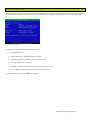
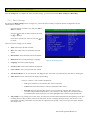
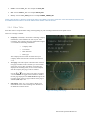
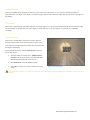
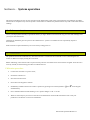
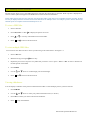
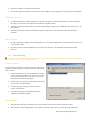
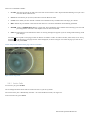
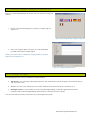
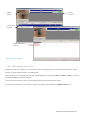
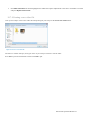
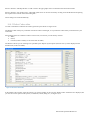
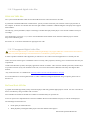
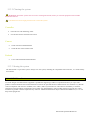
After a little while a new wizard screen will open, see Figure 10.4, to install ffdshow.
7.
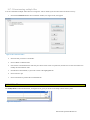
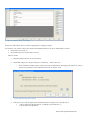
Press Next to continue and then to all the following screens
to accept all the default options.
8.
Press Install.
9.
At the end of the Installation process you may be requested
to re-start your computer.
Figure 10.4: ffdshow Wizard
GatorCam4 Operation Manual 58