1
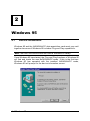
After installing ADLINK’s Windows 2000/XP software driver, the INF files
and driver files are copied into its appropriate directories. With the installed
Device Information Files (.INF) and Device Driver Files (.SYS), Windows
2000/XP will be able to identify and initiate any data acquisition card
automatically at system startup time.
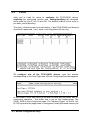
After installing ADLINK’s Windows 2000/XP software driver and re-booting
the system, to check if the installation process was a success, you can
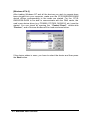
open the Device Manager Start>>Settings>>Control Panel>>System,
and then select the Hardware tab.
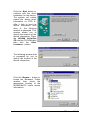
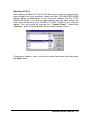
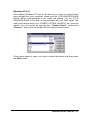
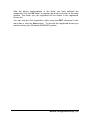
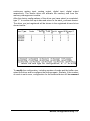
In the Device Manager, you should find the device under NuDAQ Boards.
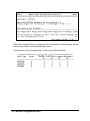
Double-click on the device, and select the Resources tab to check if the I/O
port and IRQ resources for the device are allocated successfully.
12 • Windows 98/NT/2000/XP