1
SYSTEM SETUP
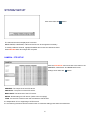
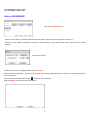
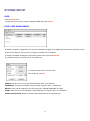
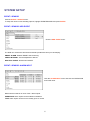
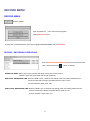
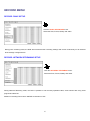
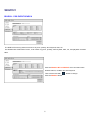
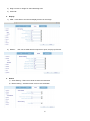
For ADD, double click on the each tap after clicking ADD.
After changing, click OK.
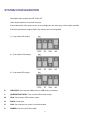
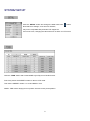
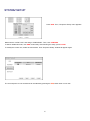
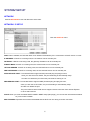
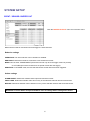
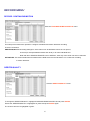
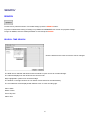
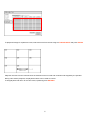
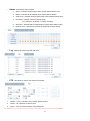
USER ID: Edit the user ID using the virtual keyboard.
PASSWORD: Change the password using the virtual keyboard.
GROUP: Users can be assigned to one of three groups - ADMIN, MANAGER or USER.
E-MAIL: Enter the user’s email address if email notification is required.
E-MAIL NOTIFICATION: Enable or disable email notifications for the specified user.
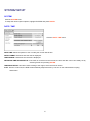
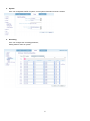
USER: USER AUTHORITY
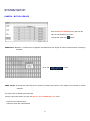
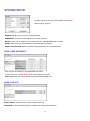
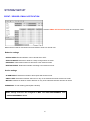
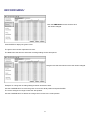
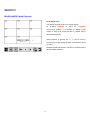
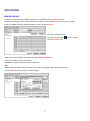
User can give the authority to the MANAGER and USER.
To select authority, click the APPLY button after selecting each item.
Please note: Any user can be deleted except the default ADMIN user.
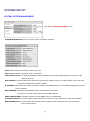
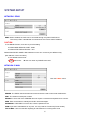
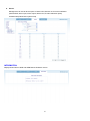
USER: LOG OUT
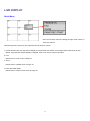
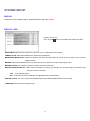
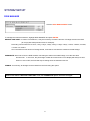
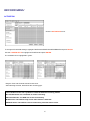
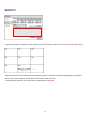
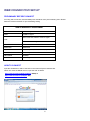
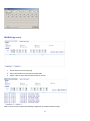
AUTO LOGOUT: Determines the AUTO LOGOUT ON/OFF.
DURATION: In case of selecting AUTO LOGOUT ON, determines the duration.
34