1
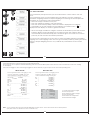
Windows direct communication settings (Balance Side)
ð
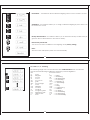
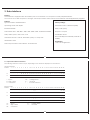
Press and hold the <PRINT> key in simple weighing mode until the windows print
menu is prompted.
ð
Press the <TOGGLE> key briefly to change the windows option to ON of OFF. The
default option is OFF.
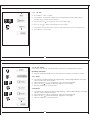
Windows Unit settings
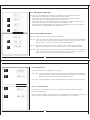
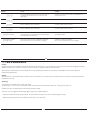
Select Windows print option as ON and press the <TARE> key, now press the <TARE> key
when the LCM displays UNIT to enter unit settings.
User can set Unit option as ON (Along with the numerical value the unit will also be sent
to windows).
User can set Unit option as OFF (Only the numerical value will be sent to windows and not
the unit).
93
Windows Separator settings
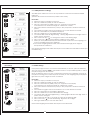
Select Windows print option as ON and press the <TARE> key, now press the <TARE> key
when the LCM displays 'Separat' to enter Separator settings.
User can set SEPERATOR option as ENTER (After every value printed on the windows side
an ENTER command is given so every subsequent data will print on new line, in Excel
every new data will be printed in new row).
User can set SEPERATOR option as TAB (After every value printed on the windows side a
TAB command is given so every subsequent data will printed with tab, in Excel every new
data will be printed in new column).
94