1
3. Login dialog settings
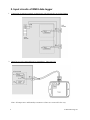
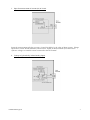
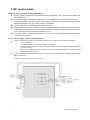
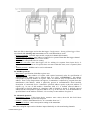
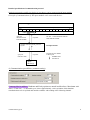
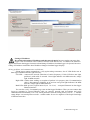
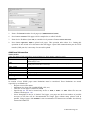
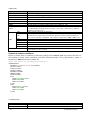
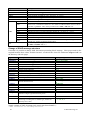
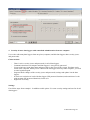
Option “Login dialog settings” is designed for settings of behaviour of login dialogs (is related to program
security and data logger security also!).
At application startup only
Login dialog is used only once, at the time of first run. Entered access data is used at the next time
automaticaly until access data become invalid. Then it’s required to enter access data again. Data
become invalid for example in this cases: program shut down, user log out, access data are invalid.
Before every protected functions
Login data have to enter every time when access rights verification is required. It’s access
verification to some protected functions almost.
4. Program security
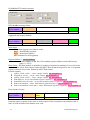
Program security (SW security) is protection against unauthorized access to the program and restriction of
program functions according to settings of users rights. It limits access to the program and program’s
“Protected functions” according to users rights defined in the list of users and passwords in the program.
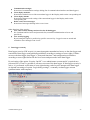
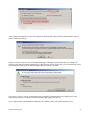
By activating of the option “SW security” is set administrator account and it’s required new password for it.
It’s required login to the user account after settings is applied and/or program startup otherwise you can’t
work with the program.
Current user can be logged out by option “User logout...” from the menu File.
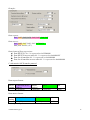
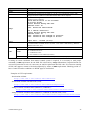
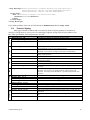
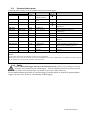
SW protected functions:
Program options settings
Protection of program options setting (Folders, Display, Autodownload).
54
ie-MS2-MS55App-03