1
CHAPTER 15: Printing Your Pictures
333
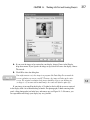
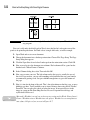
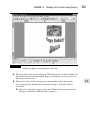
Printer manufacturers exert a lot of effort making sure that the dots are small; that they combine
with other dots to mimic thousands of distinct colors; that they dry fast enough so they don’t
spread, run, or smear; and that the paper is optimized to handle the ink’s chemical characteristics.
It’s a very technical business.
Nonetheless, we generally don’t have to worry about most of that stuff. What matters is that
they create stunning output and they’re pretty affordable, typically running between $100 and
$500 (though professional-caliber inkjets can cost thousands of dollars).
I often run into people who are concerned about inkjet quality based on experiences they had
with older printers from the late 1980s or early 1990s. But as I mentioned earlier, those fears are
relatively unfounded today. Inkjet technology has improved to the extent that it can be really difficult
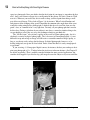
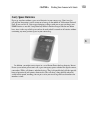
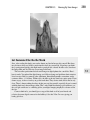
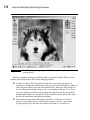
to distinguish between a 35mm print and a quality inkjet print made on photo-grade paper. My
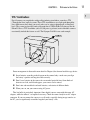
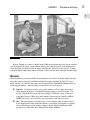
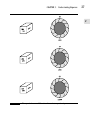
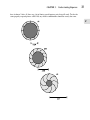
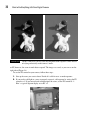
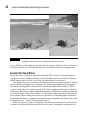
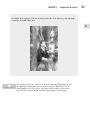
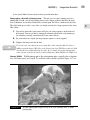
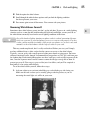
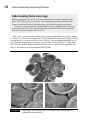
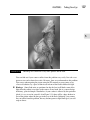
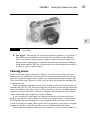
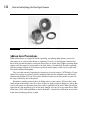
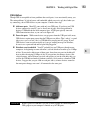
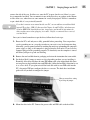
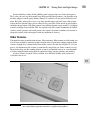
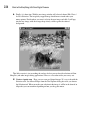
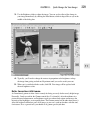
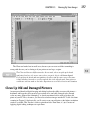
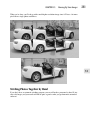
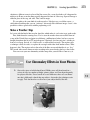
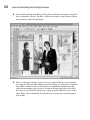
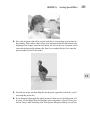
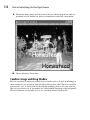
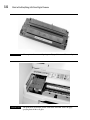
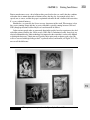
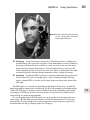
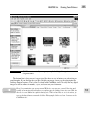
walls are covered with digital images that I’ve printed, matted, and framed (see Figure 15-3). No
one can tell the difference.
15
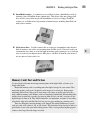
FIGURE 15-3
These pictures were printed on the Epson Stylus Photo 1270.