1
AutoSD Steel Detailing
CNC, Chapter 16
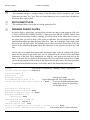
Xdata for burns is stored with a line or a text entity. If you erase that entity you erase the xdata
for that burn. Most burn xdata is stored with the horizontal length text for that burn. Skewed
flange, skewed web burns, contours and cutouts are stored with the line for the edge of the
burn.
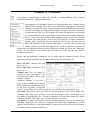
The following commands are shortcuts for changing one value of burn data but multiple burns
can be changed at one time. For a complete look at the burn data use the Edit Data command.
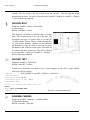
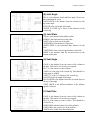
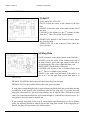
CHANGE ANGLE
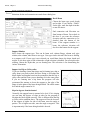
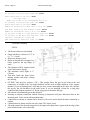
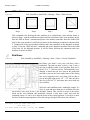
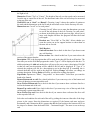
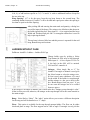
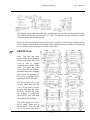
If this is for beveling the flange for a groove weld the choices are (+-)30 and (+-)45. If this is
for a skewed cut across the flange or web, it is the angle normal to that surface. For skewed
cuts, if X or Y is 0 the cut will be full width using the angle. If X and Y are not zero the
skewed cut will be based on X and Y and the angle will be used only to determine if it is
positive or negative. In this case the angle could be 1 or -1. For Blocks it is the angle of the
beam slope. The angle can be positive or negative.
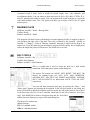
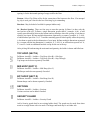
CHANGE BEAM END
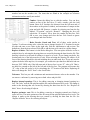
This changes which end of the beam the burn is on. Available choices are (1) LEFT and (2)
RIGHT.
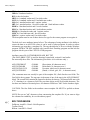
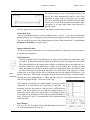
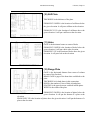
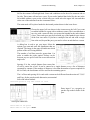
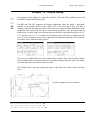
CHANGE DEPTH “Y”
This will change the vertical depth of the burn.
CHANGE LENGTH “X”
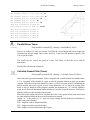
This will change the horizontal length of the burn. This will not change the dimension text. It
will only change the xdata. Use “Replace Tail Dimension” under AutoSD > CNC > Change
Hole Data or “Replace Dimension” under Modify/Change to change both Length text and
Length xdata..
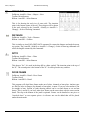
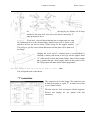
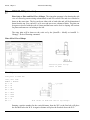
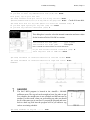
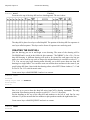
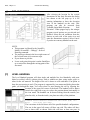
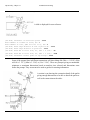
CHANGE NOTCH “D”
This will change the vertical distance from the top flange of the beam to the top edge of the
burn for a notch in the web.
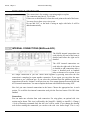
CHANGE SETBACK
This will change the distance from the clip to the end of the web.
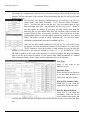
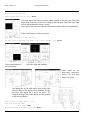
CHANGE SIDE
This is for flange thinning burns and will change which side of the web the flange will be cut.
Available choices are (1) NS, (2) FS and (3) Both sides.
211