1
Agilaire AV-Trend Manual
Chapter 1 Installation
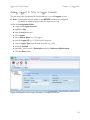
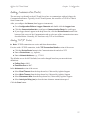
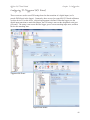
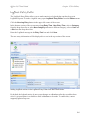
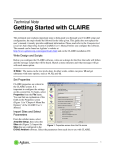
Logging In to AV-Trend
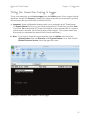
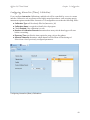
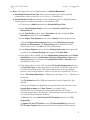
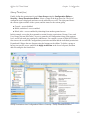
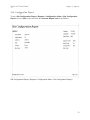
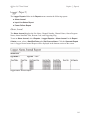
The AV-Trend Installer automatically
creates a login profile for “local host.”
If that profile doesn’t work,e click
the square button to open the
Profiles screen.
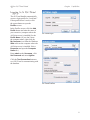
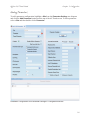
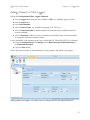
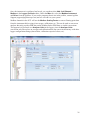
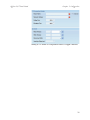
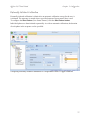
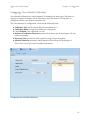
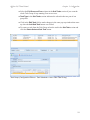
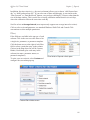
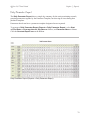
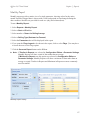
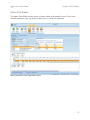
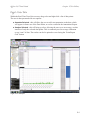
In the Profiles screen, click the Add
Profile button and enter the name of
your executive (computer where the
AirVision server is installed) for the
Profile Name. (If you don’t know
the computer name, right-click the
My Computer icon from the Windows
Start menu on the computer where the
AirVision server is installed. Select
Properties and open the Computer
Name tab.)
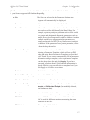
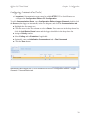
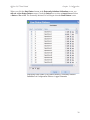
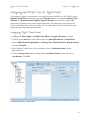
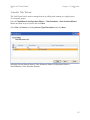
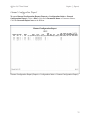
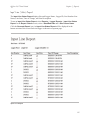
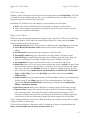
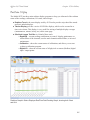
AV-Trend Login
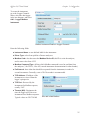
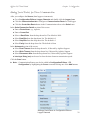
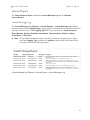
Enter admin as the Username, click
Set Password and enter Agilaire.
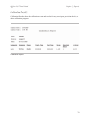
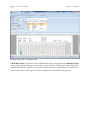
Click the Test Connection button to
see if AV-Trend is communicating with
the database.
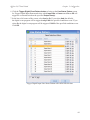
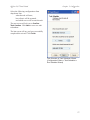
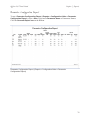
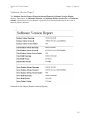
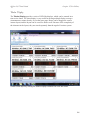
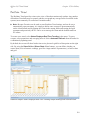
AV-Trend Profiles
8