1
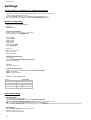
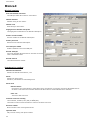
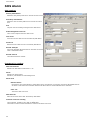
Alarm Configuration
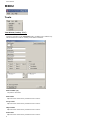
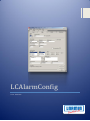
Object type
Object type to be tested.
Alarm class
Alarm class to be tested.
Alarm
Alarm status to be tested.
Areas
Area to be tested.
Create scheduled alarm
Creates an alarm file and a command file in the Larmia.lar/Schemalagd folder. Create a Scheduled Activity in Windows and
link the command file to this activity. The test alarm will be sent according to the time set in the activity.
Show log window
Displays the log window.
Send alarm
Creates and sends a test alarm.
Close
Closes the dialog.
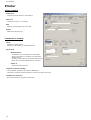
Update
Updates the Alarm Server with the latest settings.
Settings
Run the server as a Service
If the server should be started by LCService
5