1
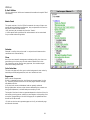
Help Strings
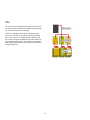
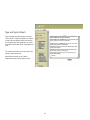
Help strings are local help links. In E-Grail, every underlined
command or field name is linked to a pop-up help window that
contains a short explanation about the field or command. This
directory contains the tools to manage these strings.
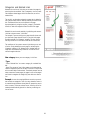
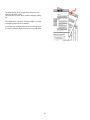
The help button in each individual page can be turned into a
local help message. By clicking on the "Help" button the first
time you create a new entry in the help strings.
This new entry can be accessed and edited through the help
string panel.
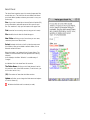
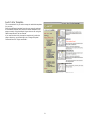
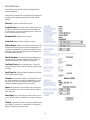
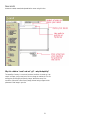
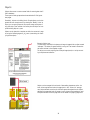
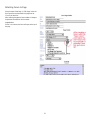
New String
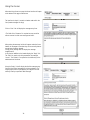
This is where you can create a new string. Simply name it and
enter the contents of the message in the window.
The contents can be written in HTML code if necessary.
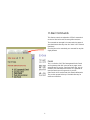
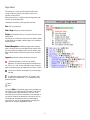
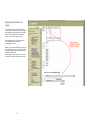
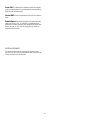
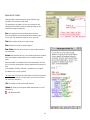
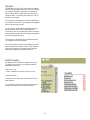
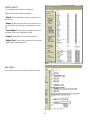
Help String Panel
Help strings are links to help messages, the links are
from all the command in forms,as well as the "Help" button on
each page. These messages can be modified idependently for
each command,site and page.
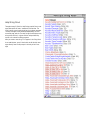
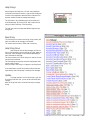
The Panel contains a list of all the strings in a web site. You can
use the Panel to edit them.
The Panel displays string names and sizes and provides direct
access to their contents.
After you create a new string, it will appear in the String Panel.
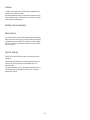
As an administrator you will also be able to edit the help messages directly from a edit prompt in the body of the message.
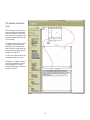
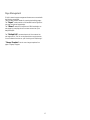
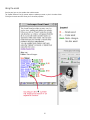
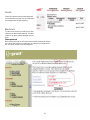
Update
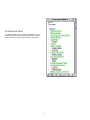
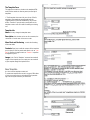
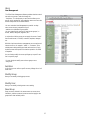
This page contains a list of all the strings in your site.
By clicking on the their links, you can access and modify their
contents.
Note:The String Panel offers a more efficient way to manage
strings.
35