1
Operating Manual MA VPU V 5.7x
11 Pixelmapper
The Pixelmapper allows the presentation of the video output to a DMX matrix. DMX data is
sent directly from the MA VPU PC via Ethernet using the Artnet protocol.
The LED wall can be configured individually using several LED panels from different
manufacturers. The operating on the desk is analog to the operating of a video wall.
LED Panels are defined similar to dimmer or multi function spots via fixture type text files.
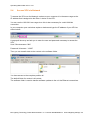
These files are located on the video PC in the default path:
C:\Program Files\MA Lighting Technologies\MA VPU\NEWPANELS
Here the properties of the LED panels are defined as a Fixture Types in single files
(grandMA Serieies1: PanelName.txt).
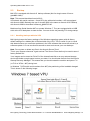
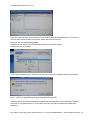
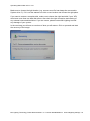
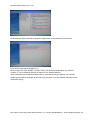
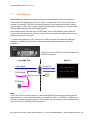
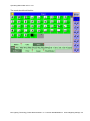
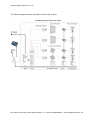
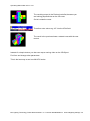
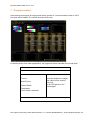
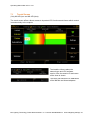
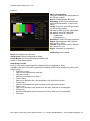
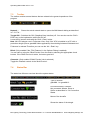
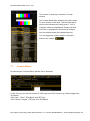
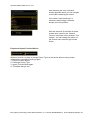
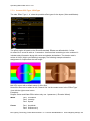
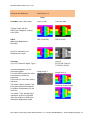
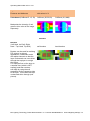
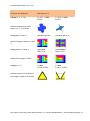
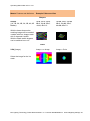
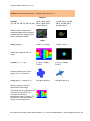
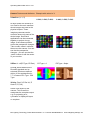
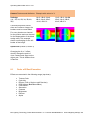
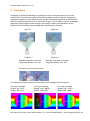
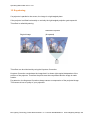
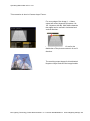
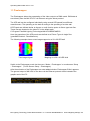
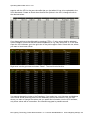
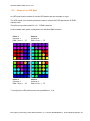
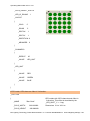
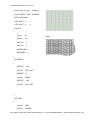
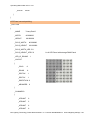
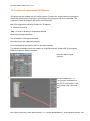
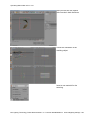
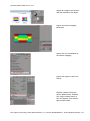
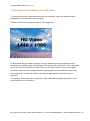
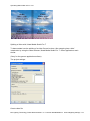
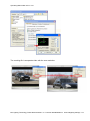
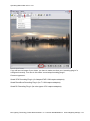
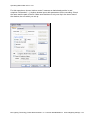
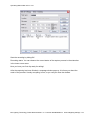
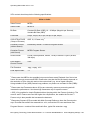
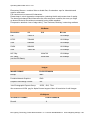
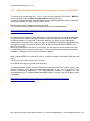
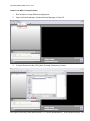
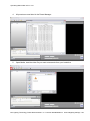
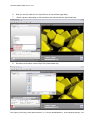
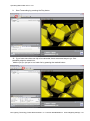
The following example shows a test image mapped on a 20 x 20 LED wall
Test image original
Mapping on a 20 x 20 LED Wall
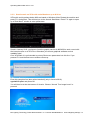
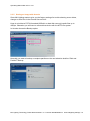
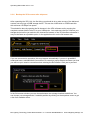
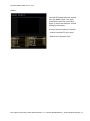
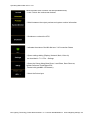
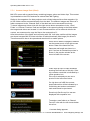
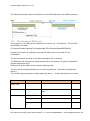
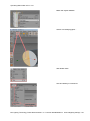
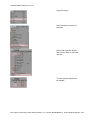
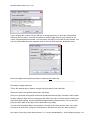
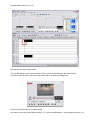
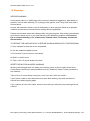
Switch to the Pixelmapper mode via the menu: „Mode – Pixelmapper‟ or touchscreen „Setup
– Pixelmapper‟. (Touch Screen: Setup – Pixelmapper)
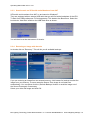
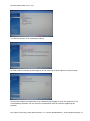
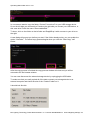
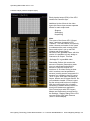
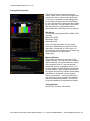
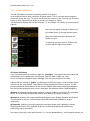
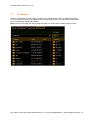
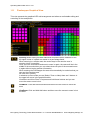
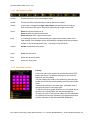
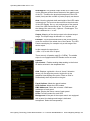
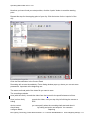
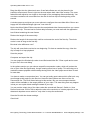
After the activation of the Pixelmapper an extra tabbed window „Pixelmapper Editor‟ appears.
The general output of MA VPU is now done via the Ethernet protocol Artnet instead of the
graphic card of the PC.
MA Lighting Technology GmbH Dachdeckerstr. 16 D-97297 Waldbüttelbrunn www.malighting.dePage 90