1
3-6
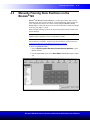
Configuring the Biomek® NX Multichannel in Biomek Software
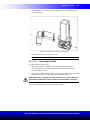
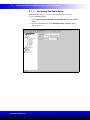
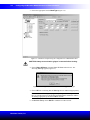
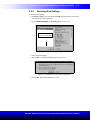
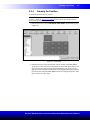
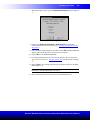
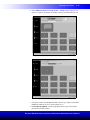
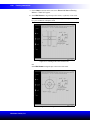
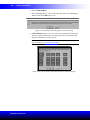
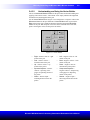
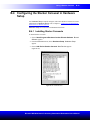
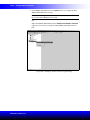
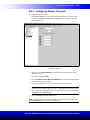
3. Choose the appropriate head in Head Type (Figure 3-2).
Figure 3-2. Hardware Setup showing the configuration of a Multichannel Pod
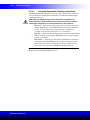
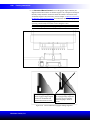
CAUTION: Always ensure that the gripper is retracted before homing.
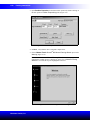
4. Choose Home All Axes. Choosing Home All Axes homes all axes. The
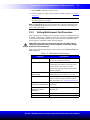
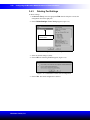
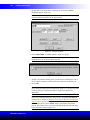
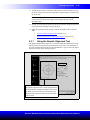
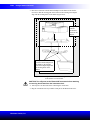
following Warning appears (Figure 3-3):
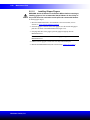
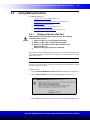
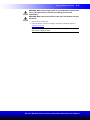
Figure 3-3. Warnings must be addressed before homing process begins
5. Choose OK after confirming that the Warning has been addressed appropriately.
Note: Additional Warnings may appear depending on deck configuration and
the type of head installed on the Biomek NX Multichannel instrument. Address
all warnings appropriately and choose OK to continue.
6. In Hardware Setup, choose Set D to establish a new D-axis limit.
Beckman Coulter, Inc.