1
Chapter 4 BUC Set Up and Management
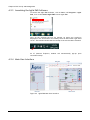
4.2.3 Launching the Agilis EMS Software
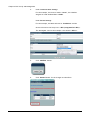
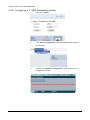
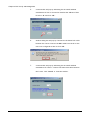
To Launch the Agilis EMS Software, click on Start > All Programs > Agilis
EMS, click on the Launch Agilis EMS to start Agilis EMS.
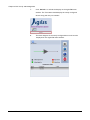
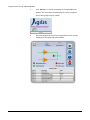
Once all the required services are started, an Agilis icon would be
displayed in the notification area usually found in the bottom right hand
corner. This would indicate that the startup of services has been initiated.
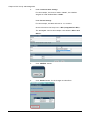
An IE (Internet Explorer) window will automatically pop-up upon
successful startup.
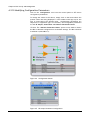
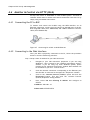
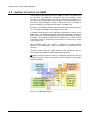
4.2.4 Main User Interface
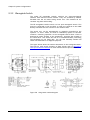
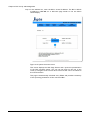
Figure 4.3 Agilis EMS Main User Interface
IM02960217Rev.B
39