1
ITPilot 4.0
Generation Environment Manual
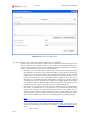
At last, these templates can be deleted by the user, if required.
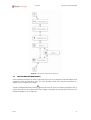
The processes can be moved from one project to another using the “Copy to Project” or “Move to Project” options
from the contextual menu of each process. Besides, the processes can be migrated to different working environments
by
manually
copying
the
file
<DENODO_HOME>/metadata/itp-admintool/<project_name>/<process_name>.xml, where “project_name” is the name of the
Project where the process is stored, and “process_name” is the name of the project which will be migrated. It is
also possible to migrate a complete project, by copying the directory <DENODO_HOME>/metadata/itpadmin-tool/<project_name>
and
the
project
management
file,
<DENODO_HOME>/metadata/itp-admin-tool/<project_name>.xml.
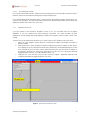
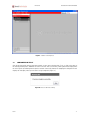
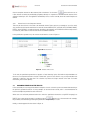
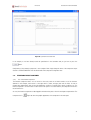
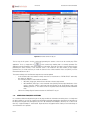
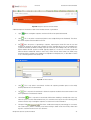
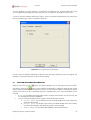
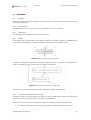
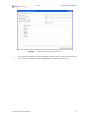
Figure 8 New project created
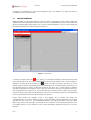
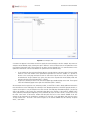
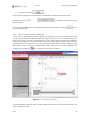
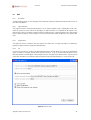
Once the project has been created, click on it to create a new process. This process will enable you to generate a
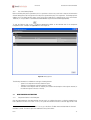
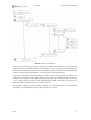
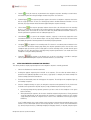
wrapper at the end of this example. Click on the
icon to give the process a name. In this case, the name will be
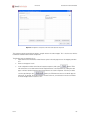
WEBMAIL. Figure 9 shows the result in the browsing area.
Part I
10